REFERENCE
- Gallery page: https://magpui.com/en/i/ai-thinking-drawn-on-a-whiteboard-fd789f
- First frame (image): https://dnioievkvxejjbxgwvko.supabase.co/storage/v1/object/public/media/ai-thinking-drawn-on-a-whiteboard-fd789f/shot.jpg
- Clip (mp4): https://dnioievkvxejjbxgwvko.supabase.co/storage/v1/object/public/media/ai-thinking-drawn-on-a-whiteboard-fd789f/clip.mp4
- Original post: https://x.com/kshvbgde/status/2118377251259719832 by @kshvbgde
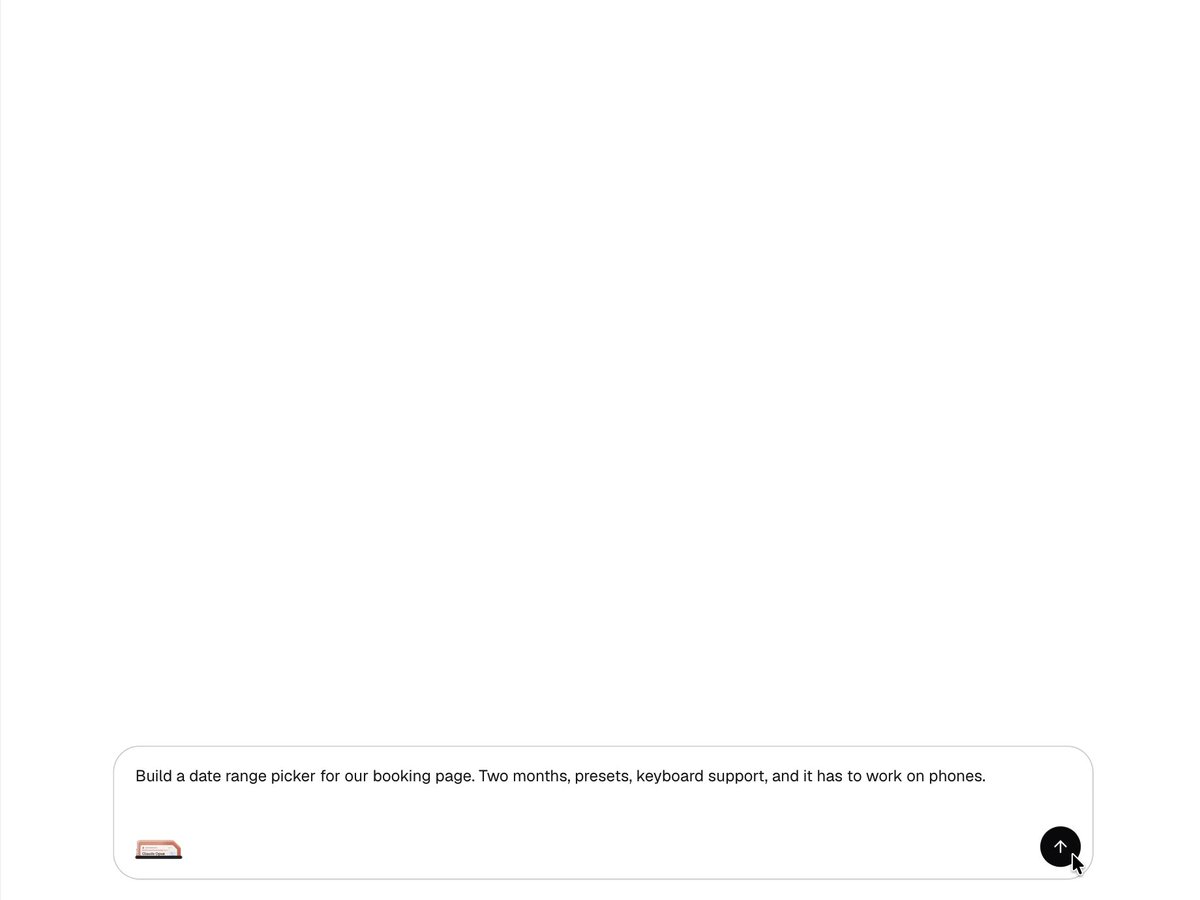
Before building, download the first frame and look at it. If ffmpeg is available, download the clip and extract frames (ffmpeg -i clip.mp4 -vf fps=2 frame-%02d.png), then study the motion frame by frame. Match what you see; the text below describes it, the frames are the truth.

ASSETS
This needs real artwork, not shapes drawn in code. Use the files the user gives you (ask where they are). If you have an image generation tool, generate them with these prompts; otherwise leave clearly marked placeholders.
- Black marker pen: A single black felt-tip marker pen with cap removed, photographed from above at a 40 degree angle, soft studio lighting, realistic matte plastic, subtle shadow, transparent background, 3:1 aspect ratio

BUILD: A thinking view for an AI chat. After the user sends a request (shown as a gray bubble top-right), instead of a spinner the assistant opens a large white whiteboard area where a realistic black marker pen draws its plan live, in a loose hand-drawn style: first a small 'web search' card with handwritten notes and check marks, then a code snippet with circled lines, then a title written in script, a rough wireframe of the component being built (boxes, wavy text lines, a scribbled dense area), a narrow side panel of options with circled values, a state diagram (small circles labelled idle, start, end, range connected by arrows), and handwritten edge-case notes with ticks. Near the end a blue pen adds a correction. A small status label top-left changes with the phase (Searching the web, Reading your code, Thinking, Testing). When done, the board collapses into a small thumbnail card beside the final text answer, which can be reopened. It should feel like watching a designer think on paper.

DESIGN SYSTEM: App background #FFFFFF, conversation column about 900px wide. User bubble: #F2F2F2, radius 12px, 13px sans #1A1A1A. Status label: 11px sans #8A8A8A. Board: no border, white, drawn content left-aligned. Strokes: black ink #111111 at 1.5-2.5px with slight width variation and rough edges; correction pen #1D4ED8. Handwriting: a casual script for titles and notes (about 18px titles, 11px notes); code and option labels in a small monospace #555 inside thin rounded-rect outlines drawn by hand. Pen: a photographic-looking black marker about 140px long, angled about 40 degrees, with a soft drop shadow, tip exactly on the current stroke point. Input bar at the bottom: rounded 14px, 1px #E6E6E6 border, placeholder 'Describe a task or ask a question' #9A9A9A, round send button right.

MOTION: Strokes draw on with stroke-dashoffset at about 600-900px/s, ease-in-out cubic-bezier(0.45, 0, 0.55, 1) per stroke, with 60-120ms pauses between strokes and the pen lifting slightly (translateY -4px, shadow grows) while travelling. Scribble fills draw as fast zigzags at 1500px/s. Check marks draw in 180ms. The board auto-scrolls smoothly to keep the pen in view (400ms ease-out). Phase label cross-fades 200ms. Pen color swap: the black pen slides out right 250ms, the blue pen slides in 250ms. Finish: the board scales to a 180px thumbnail and moves next to the answer, 500ms cubic-bezier(0.22, 1, 0.36, 1), while the answer text fades in with 30ms per-line stagger.

SECTIONS: Parts: user bubble, status label, whiteboard canvas, pen, final answer with thumbnail, input bar. States: searching (notes card), reading (code card), thinking (wireframe and diagram), testing (ticks on edge cases), correcting (blue pen), done (collapsed thumbnail), reopened (thumbnail expands back to full board).

IMPLEMENTATION: SVG for all strokes so they stay crisp and can be animated with stroke-dasharray / stroke-dashoffset; generate rough lines with a library such as Rough.js or perfect-freehand from the agent's structured plan (notes, wireframe boxes, nodes and edges), then queue strokes in order. Move the pen image with getPointAtLength each frame. Use Motion (Framer Motion) or GSAP for the collapse and the phase transitions. Make the board an aria-live region with a text summary of each phase for screen readers; the thumbnail is a button with a label. prefers-reduced-motion: render each phase's drawing instantly with no pen and just cross-fade phases. Cap the number of animated paths per phase at about 200.

ADAPT TO THE PROJECT: Reuse the project's existing design tokens, components and fonts; map colors to the closest existing tokens. Never copy logos, brand names, photos or illustrations from the original; use your own pen image or an SVG pen and placeholder content.

SUCCESS CHECK:
- During thinking a pen draws notes, a wireframe and a state diagram stroke by stroke, with the pen tip always on the live stroke.
- When the answer arrives the board shrinks into a thumbnail beside the reply and clicking it expands it again.
- With prefers-reduced-motion on, each phase appears instantly without the pen and the flow still completes.