REFERENCE
- Gallery page: https://magpui.com/en/i/search-with-sliding-row-highlight-f039a1
- First frame (image): https://dnioievkvxejjbxgwvko.supabase.co/storage/v1/object/public/media/search-with-sliding-row-highlight-f039a1/shot.jpg
- Clip (mp4): https://dnioievkvxejjbxgwvko.supabase.co/storage/v1/object/public/media/search-with-sliding-row-highlight-f039a1/clip.mp4
- Original post: https://x.com/sucodeee/status/2112125551838466322 by @sucodeee
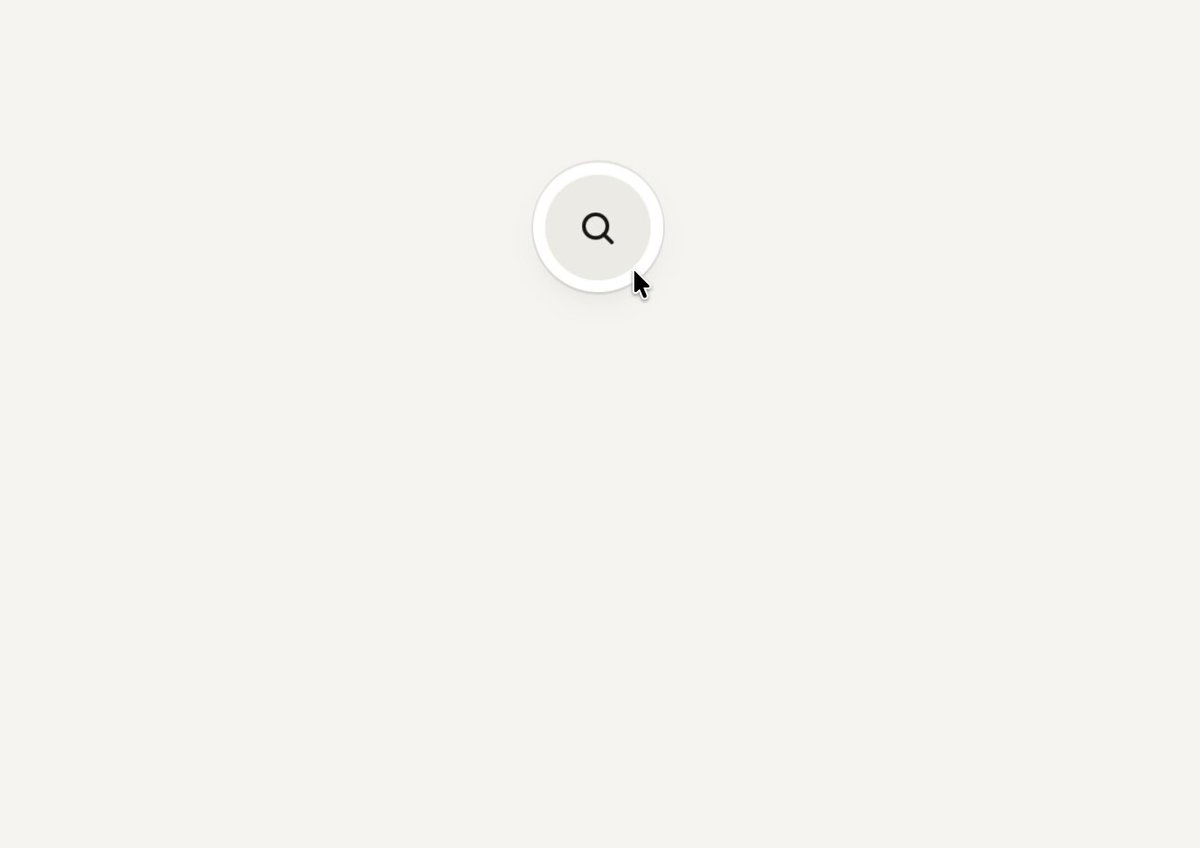
Before building, download the first frame and look at it. If ffmpeg is available, download the clip and extract frames (ffmpeg -i clip.mp4 -vf fps=2 frame-%02d.png), then study the motion frame by frame. Match what you see; the text below describes it, the frames are the truth.

BUILD: Build a compact component-search combobox with a separate pill input and floating result panel. A soft rounded highlight follows the active row; typing narrows the list and darkens matching characters. Build only this interaction.
DESIGN SYSTEM: Use a roughly 260px-wide widget, a 48px-high input and an 8px gap before the results. Use a warm #F7F6F2 background, white panel, #EEEFE7 selection, #20221D text and #A2A39B placeholder. Use a neutral sans-serif at 14px, 38px rows, 8px panel padding, 24px panel corners and a diffuse 0 12px 24px #00000012 shadow. Put a small search icon left and a clear control right; give the input a white rim.
MOTION: On pointer movement or arrow-key navigation, translate one shared rounded highlight to the active row in 180ms, cubic-bezier(0.22,1,0.36,1). On filtering, animate panel height and result positions in 220ms with the same easing; departing entries fade and blur up to 4px over 150ms. Entering results fade from a slight blur over 180ms, staggered 20ms. These timings are implementation targets.
SECTIONS: Empty query shows four component-name results. Hover and keyboard selection share one highlight. Typed queries filter results and emphasize matching substrings with darker text. Clear resets the query and list. Include an empty-result state without invented decorative content.
IMPLEMENTATION: Use React with Motion for shared layout and enter/exit transitions. Keep native text input behavior, combobox/listbox roles, aria-activedescendant, arrow keys, Enter and Escape. Provide visible focus. With prefers-reduced-motion remove blur and interpolation. Animate only this small list; do not blur the whole page.
ADAPT TO THE PROJECT: Reuse existing design tokens, components and fonts, mapping these colors to the closest existing tokens. Never copy logos, brand names, photos or illustrations from the original; use placeholder component names.
SUCCESS CHECK:
- One highlight moves continuously between rows without duplicate highlights.
- Typing filters the list and emphasizes matching letters; clearing restores all options.
- Keyboard selection and reduced-motion mode remain usable.