REFERENCE
- Gallery page: https://magpui.com/en/i/storage-breakdown-with-interactive-segments-2aa117
- First frame (image): https://dnioievkvxejjbxgwvko.supabase.co/storage/v1/object/public/media/storage-breakdown-with-interactive-segments-2aa117/shot.jpg
- Clip (mp4): https://dnioievkvxejjbxgwvko.supabase.co/storage/v1/object/public/media/storage-breakdown-with-interactive-segments-2aa117/clip.mp4
- Original post: https://x.com/sucodeee/status/2121983864440864921 by @sucodeee
Before building, download the first frame and look at it. If ffmpeg is available, download the clip and extract frames (ffmpeg -i clip.mp4 -vf fps=2 frame-%02d.png), then study the motion frame by frame. Match what you see; the text below describes it, the frames are the truth.

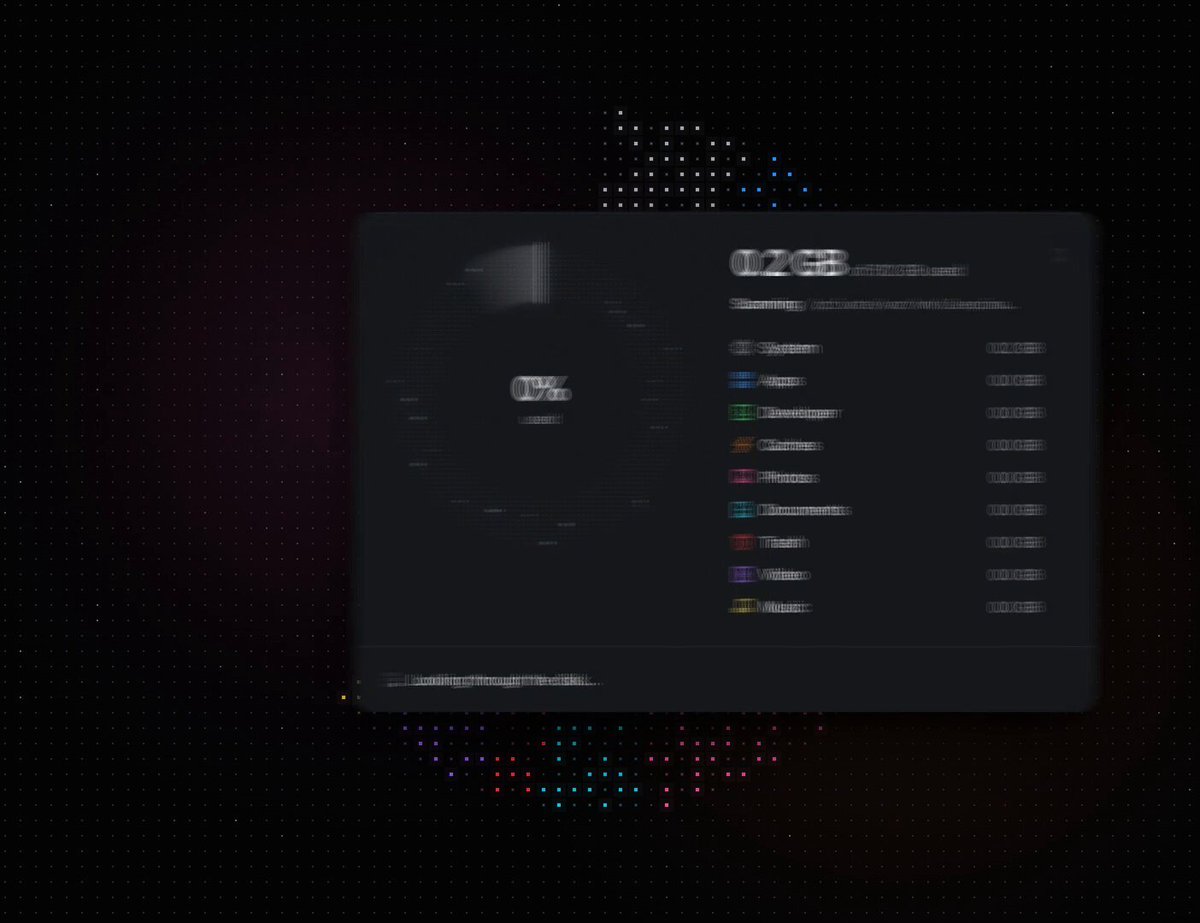
BUILD: Create one compact desktop storage card with a segmented usage ring on the left and a disk total plus category breakdown on the right. It should feel restrained and precise, with subtly luminous chart segments rather than large decorative effects. Include a simulated scanning and cleanup flow; do not access real user files.
DESIGN SYSTEM: Target a 480 by 320 px charcoal card (#171e20), 10 px radius, a faint border and soft shadow. Use a neutral sans-serif, 25 px semibold storage total, 12 px category labels, and 10 px muted metadata. Place a roughly 190 px ring in the left half with a centered 64% readout. Use blue #6497d5, green #60966b, orange #c3924e, pink #ba5a92 and violet #8274c4 for category arcs. Leave small gaps between arcs and apply a delicate grain texture generated in code. Right-side rows pair tiny colored symbols with names and right-aligned GB values. A thin divider separates a 32 px bottom status/action bar.
MOTION: Proposed rebuild timings: on scan start grow the occupied arc from 10% toward 64%, count the main total from about 50.5 to 326 GB and reveal categories over 1200 ms using cubic-bezier(0.22,1,0.36,1). On category hover or keyboard focus brighten and offset its arc outward by 5 px over 180 ms, dim other arcs, and highlight the matching list row. On cleanup update the total toward 265 GB and the center to 52% over 650 ms, keeping the ring and numbers synchronized. Use cubic-bezier(0.4,0,0.2,1). These timings are implementation targets, not measured source values.
SECTIONS: Header with storage amount and capacity; segmented donut and percentage; category list with system, apps, developer files, caches, photos, documents, trash, video and music; footer that changes between scanning progress, cache hint, selected-category details and cleanup controls. Include idle, scanning, focused-category, cleaning and complete states.
IMPLEMENTATION: Use SVG paths for ring segments and Motion for numeric interpolation, opacity and short radial translations. Compute angles from a single typed data model so labels and chart stay consistent. Avoid WebGL. Make each category a keyboard-focusable control with a visible focus ring, provide a textual storage summary, and announce cleanup completion politely. With prefers-reduced-motion remove radial shifts and counting animations and switch directly to final values. Keep textures static and stop animations when unmounted.
ADAPT TO THE PROJECT: Reuse the project's existing design tokens, components and fonts. Map these colors to the closest existing tokens. Never copy logos, brand names, photos or illustrations from the original; use placeholders.
SUCCESS CHECK:
- Hovering or focusing a category highlights the corresponding arc and matching row.
- Simulated cleanup updates category totals, total GB and percentage together without layout jumps.
- The card works with keyboard input, reduced motion and narrow layouts without clipped controls.