Run these commands once in Claude Code. The skill gives the agent know-how for this kind of piece. With other agents, follow the instructions on the skill page.
/plugin marketplace add anthropics/skills
/plugin install example-skills@anthropic-agent-skills
Hit Copy prompt above, open your project in the agent and paste it. The prompt links the original frames, so the agent can look at them before building.
REFERENCE
- Gallery page: https://magpui.com/en/i/save-button-that-ages-with-every-click-d691ea
- First frame (image): https://dnioievkvxejjbxgwvko.supabase.co/storage/v1/object/public/media/save-button-that-ages-with-every-click-d691ea/shot.jpg
- Clip (mp4): https://dnioievkvxejjbxgwvko.supabase.co/storage/v1/object/public/media/save-button-that-ages-with-every-click-d691ea/clip.mp4
- Original post: https://x.com/flornkm/status/2098443449532035122 by @flornkm
Before building, download the first frame and look at it. If ffmpeg is available, download the clip and extract frames (ffmpeg -i clip.mp4 -vf fps=2 frame-%02d.png), then study the motion frame by frame. Match what you see; the text below describes it, the frames are the truth.

BUILD
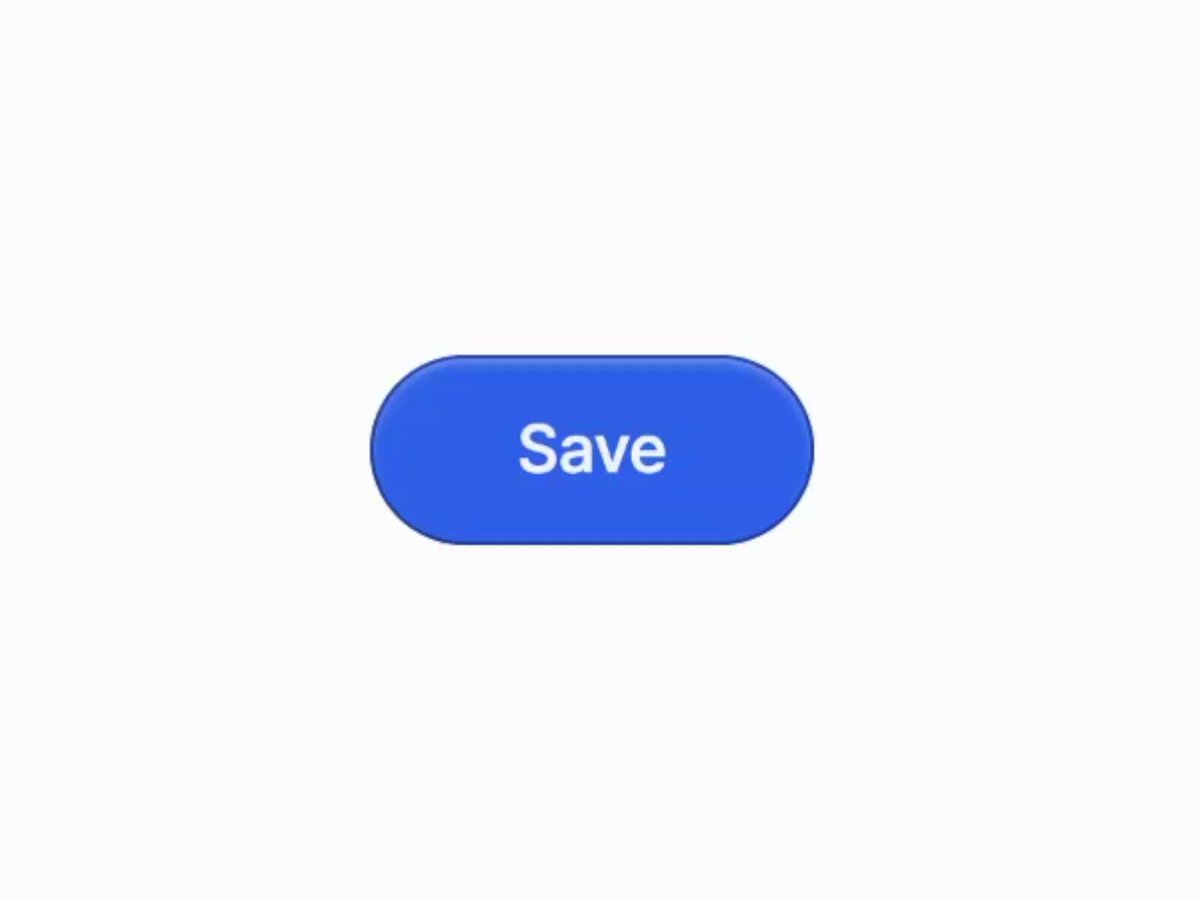
A big blue pill Save button that visibly ages each time it is clicked: the color fades, scratches and chips appear, the label wears off, and after many clicks moss and a small sprout grow on it.

DESIGN SYSTEM
- Background white; button 220x80, #2F5BEA, 40px radius, label 30px white semibold, inner highlight on top.

MOTION
- Each click: press scale 0.96 (90ms), then increment an age value 0 to 1 in 0.08 steps.
- Age drives: saturation down to 40%, a scratch texture opacity up to 0.8, label opacity down to 0.5, sprout scale from 0 to 1 after age 0.6.
- Sprout grows with a spring (stiffness 200, damping 12) and sways idle.

SECTIONS
- Button.
- Wear layers (texture overlays).
- Sprout illustration.

IMPLEMENTATION
- CSS variables for the age, layered pseudo-elements with noise and scratch PNG or SVG filters.
- prefers-reduced-motion: skip the animation and show the end state.

ADAPT TO THE PROJECT
- Reuse the project's existing tokens, components and fonts; map colors to the closest existing tokens.
- Do not copy logos, brand names, characters or artwork from the reference. Use neutral placeholders.

SUCCESS CHECK
- Aging is visible after every single click.
- Label stays readable enough to know it is Save.
- A reset exists for the demo.
Put the two side by side. If something is off, tell the agent exactly what: timing, size, color or spacing.