REFERENCE
- Gallery page: https://magpui.com/en/i/halloween-like-button-burst-326185
- First frame (image): https://dnioievkvxejjbxgwvko.supabase.co/storage/v1/object/public/media/halloween-like-button-burst-326185/shot.jpg
- Clip (mp4): https://dnioievkvxejjbxgwvko.supabase.co/storage/v1/object/public/media/halloween-like-button-burst-326185/clip.mp4
- Original post: https://x.com/marmobs/status/2109951246564278592 by @marmobs
Before building, download the first frame and look at it. If ffmpeg is available, download the clip and extract frames (ffmpeg -i clip.mp4 -vf fps=2 frame-%02d.png), then study the motion frame by frame. Match what you see; the text below describes it, the frames are the truth.

ASSETS
This needs real artwork, not shapes drawn in code. Use the files the user gives you (ask where they are). If you have an image generation tool, generate them with these prompts; otherwise leave clearly marked placeholders.
- Five Halloween characters: Set of five tiny cute Halloween characters in flat vector style with simple faces: white ghost, orange pumpkin, green monster, beige mummy, red devil. Same size and line weight, bold flat colors, slight shine, transparent background, centered, no text, each 1:1, sticker look.

BUILD
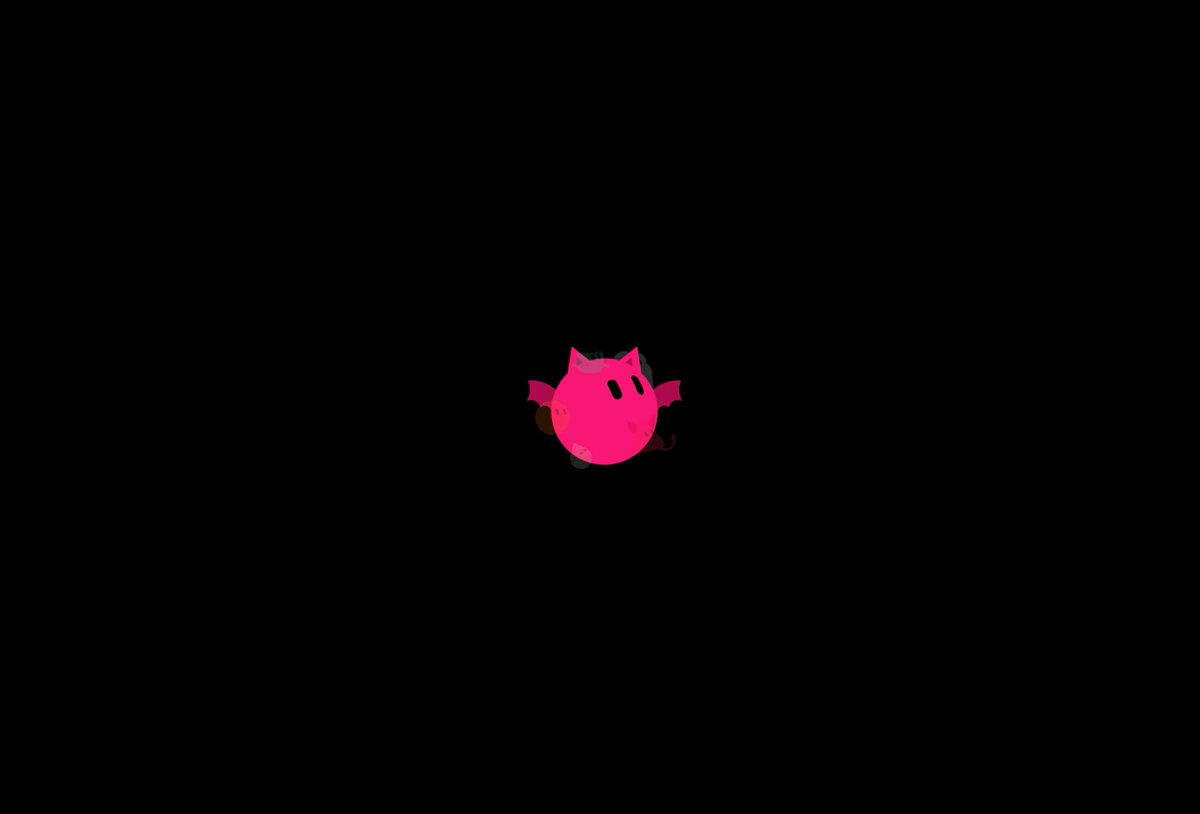
A like button microinteraction: on click the heart fills, squashes, and a burst of small characters (ghost, pumpkin, monster, mummy, devil) pops out, orbits the heart once and settles around it.

DESIGN SYSTEM
- Dark background #000, heart #FF2E7E 48px.
- Characters 28-40px flat illustrations with simple faces, each a different color: white ghost, orange pumpkin, green monster, beige mummy, red devil.

MOTION
- Heart: scale 1 to 0.8 (80ms) then to 1.25 and back to 1 with a spring (stiffness 500, damping 12).
- Characters spawn at the heart center, fly out to radius 70-90px with random angles, 450ms, cubic-bezier(0.2, 0.9, 0.3, 1.3), then orbit 60deg more over 1.2s and fade out.
- Unlike: heart empties with a quick 150ms shrink, no burst.

SECTIONS
- Button with heart icon and count.
- Absolutely positioned burst layer.

IMPLEMENTATION
- Framer Motion with AnimatePresence for the burst; characters as inline SVGs; aria-pressed on the button.
- prefers-reduced-motion: skip the animation and show the end state.

ADAPT TO THE PROJECT
- Reuse the project's existing tokens, components and fonts; map colors to the closest existing tokens.
- Do not copy logos, brand names, characters or artwork from the reference. Use neutral placeholders.

SUCCESS CHECK
- The burst never blocks the next click.
- Count updates instantly.
- Works at 1x and 2x density without blurry sprites.