REFERENCE
- Gallery page: https://magpui.com/en/i/progress-button-with-detachable-cancel-55d97b
- First frame (image): https://dnioievkvxejjbxgwvko.supabase.co/storage/v1/object/public/media/progress-button-with-detachable-cancel-55d97b/shot.jpg
- Clip (mp4): https://dnioievkvxejjbxgwvko.supabase.co/storage/v1/object/public/media/progress-button-with-detachable-cancel-55d97b/clip.mp4
- Original post: https://x.com/aviralj02/status/2109600408251584896 by @aviralj02
Before building, download the first frame and look at it. If ffmpeg is available, download the clip and extract frames (ffmpeg -i clip.mp4 -vf fps=2 frame-%02d.png), then study the motion frame by frame. Match what you see; the text below describes it, the frames are the truth.

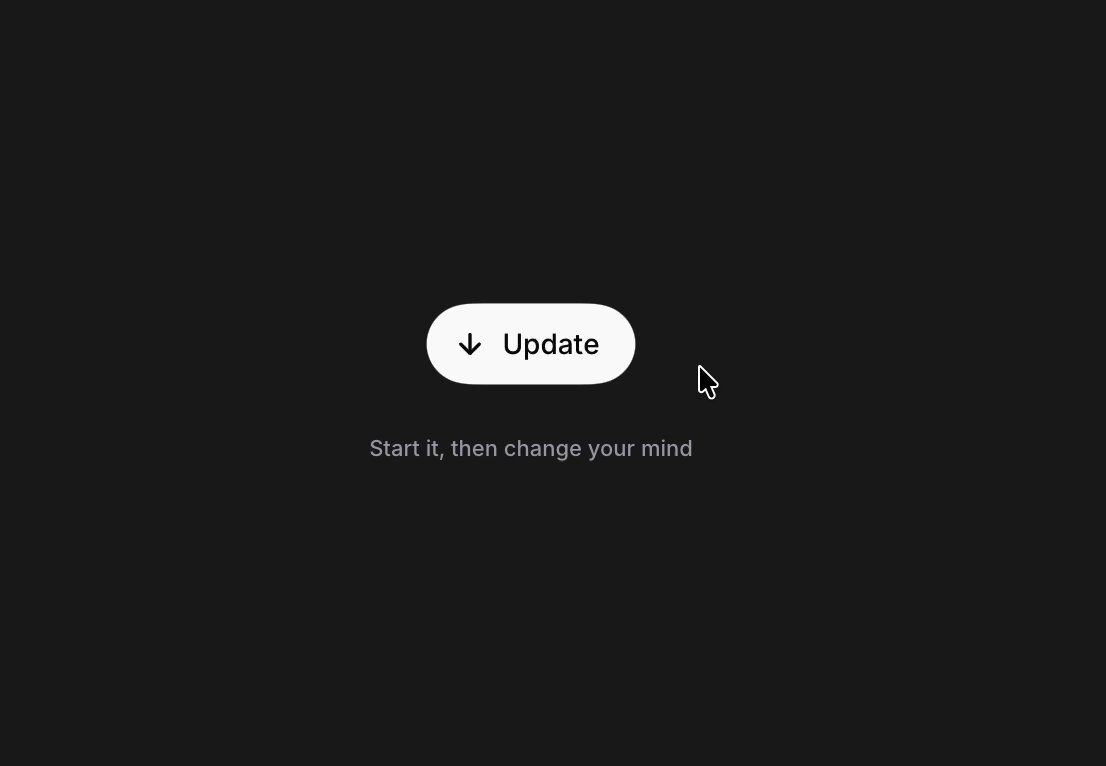
BUILD: Build a compact update button with an embedded progress fill and a separate circular cancel control that appears to its right during work. Keep the interaction quiet, rounded and readable. Only build this component and its helper caption.
DESIGN SYSTEM: Use a near-black #171A17 background for the demo and an off-white #F3F5EF pill about 102px wide and 38px tall, with a 999px radius. Use dark #20251F sans-serif text around 13px medium weight, a 14px download arrow and 12px muted #8A8E86 helper text below with 22px separation. Loading widens the pill slightly; the cancel control is a 38px circle separated by about 10px. Progress is a clipped gray #AEB3AC overlay inside the pill.
MOTION: On activation, morph the pill width and reveal the adjacent cancel circle with translateX, scale and opacity over 360ms using cubic-bezier(0.22,1,0.36,1). Suggest a short liquid connection with an SVG bridge that retracts as the circle separates. Advance the fill over a configurable 2400ms demonstration, linear. Swap Update for Updating over 140ms with cubic-bezier(0.2,0,0,1). On completion, retract the cancel circle and bridge over 320ms with cubic-bezier(0.22,1,0.36,1), then show a check and Updated. Cancel restores the initial label and empty fill over 220ms using the same easing. These timings are implementation targets.
SECTIONS: Idle: down arrow and Update. Loading: Updating, clipped progress fill and separate X cancel button. Done: checkmark and Updated with no cancel circle. Keep the helper caption below the component. Define hover, pressed and visible focus states without changing layout.
IMPLEMENTATION: Use React state and Motion for coordinated width, position and icon transitions; a tiny SVG shape can handle the bridge rather than applying expensive whole-screen filters. Connect progress and cancellation to real callbacks; make the demo timer optional. Expose the progress with accessible values, announce completion politely and label the icon-only button Cancel update. Support Enter and Space, keep keyboard focus stable, and honor prefers-reduced-motion with instant shape changes and a static progress indicator. Animate only this small component; no canvas or image assets needed.
ADAPT TO THE PROJECT: Reuse the project's existing design tokens, components and fonts; map these colors to the closest existing tokens. Never copy logos, brand names, photos or illustrations from the original; use placeholders.
SUCCESS CHECK:
- Updating exposes a working cancel control and progress stays clipped inside the pill.
- Cancel returns to idle; completion shows a check and Updated without a stray cancel circle.
- Keyboard use and reduced-motion mode preserve every action and status.