REFERENCE
- Gallery page: https://magpui.com/en/i/liquid-call-button-22bbb1
- First frame (image): https://dnioievkvxejjbxgwvko.supabase.co/storage/v1/object/public/media/liquid-call-button-22bbb1/shot.jpg
- Clip (mp4): https://dnioievkvxejjbxgwvko.supabase.co/storage/v1/object/public/media/liquid-call-button-22bbb1/clip.mp4
- Original post: https://x.com/val_soonafter/status/2113254105238171837 by @val_soonafter
Before building, download the first frame and look at it. If ffmpeg is available, download the clip and extract frames (ffmpeg -i clip.mp4 -vf fps=2 frame-%02d.png), then study the motion frame by frame. Match what you see; the text below describes it, the frames are the truth.

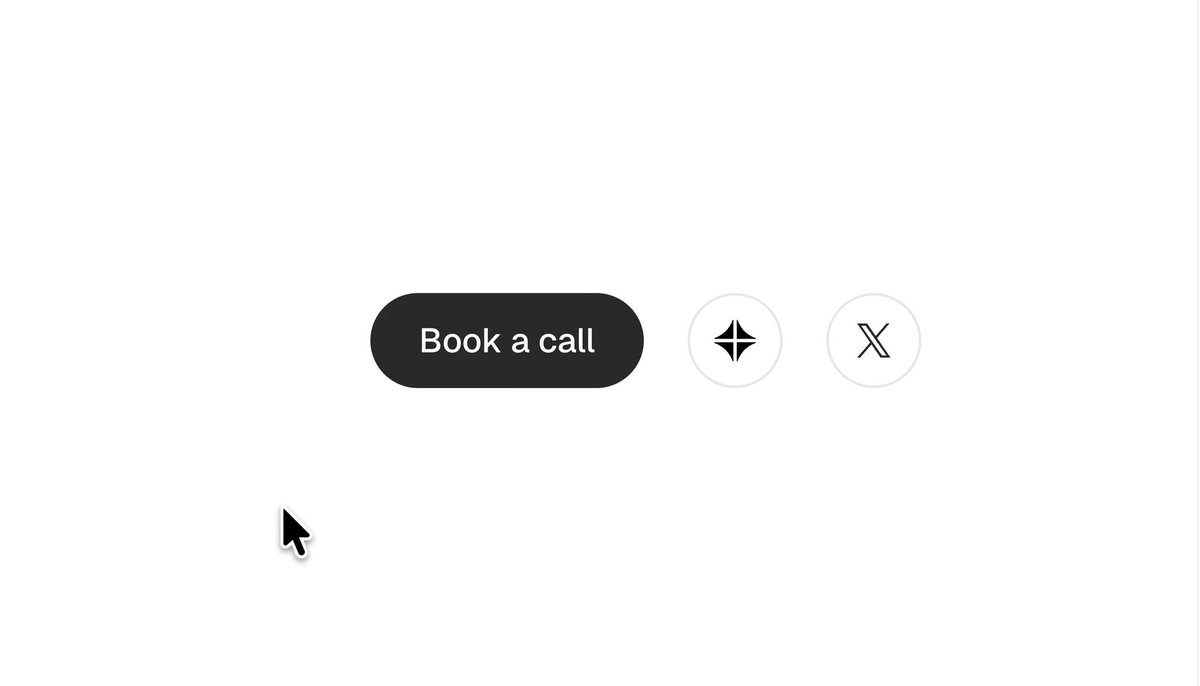
BUILD: Build one compact call-to-action button that changes from a dark pill into a softly irregular liquid silhouette on hover. Keep the white label centered and stable while the surface seems elastic. Do not build an entire page.
DESIGN SYSTEM: Use an approximately 112 by 40 px control with 20 px idle radius, near-black #272727 surface and white #FAFAFA text. Use a neutral sans-serif label at 14 px medium weight. On hover blend muted pink #BC8299 into dusty blue #6A8AAB over the dark surface, with a blurred pink-violet halo extending roughly 18 px beyond the button. Keep the surrounding surface white. Dimensions and color values are reconstruction estimates.
MOTION: On pointer enter, interpolate the perimeter into an asymmetrical blob over 320 ms using cubic-bezier(0.22,1,0.36,1); offset the upper and lower lobes toward the pointer by up to 5 px. Fade the colored surface and halo in over 240 ms with cubic-bezier(0.2,0.8,0.2,1). Track pointer coordinates smoothly without moving the text. On pointer exit, restore the pill and fade the glow over 280 ms with cubic-bezier(0.22,1,0.36,1), no delay. These timings are implementation targets rather than measured values.
SECTIONS: Idle dark pill; hover irregular rounded silhouette with colored glow; keyboard focus uses the hover treatment plus a clear 2 px focus ring; pressed scales the surface to 0.97 without shifting the label. Use a short placeholder action label.
IMPLEMENTATION: Use an SVG path behind an HTML button label, with identical path topology across shape states and Motion for interpolation. Keep a fixed rectangular hit area to prevent hover flicker. Use a separate blurred gradient layer for the halo. Avoid page-wide SVG filters. Update pointer motion through motion values, not React state per frame. Respect prefers-reduced-motion by keeping the shape fixed and only changing color. Support keyboard activation and accessible naming.
ADAPT TO THE PROJECT: Reuse the project's existing tokens, button components and fonts. Map colors to the closest existing tokens. Never copy logos, brand names, photos or illustrations from the original; use placeholders.
SUCCESS CHECK:
- Hover visibly softens the pill into an asymmetric shape without shifting the label or layout.
- Pointer exit restores the clean dark pill without flicker.
- Keyboard focus is visible and reduced-motion disables perimeter animation.