REFERENCE
- Gallery page: https://magpui.com/en/i/image-generation-grid-reveal-e04d73
- First frame (image): https://dnioievkvxejjbxgwvko.supabase.co/storage/v1/object/public/media/image-generation-grid-reveal-e04d73/shot.jpg
- Clip (mp4): https://dnioievkvxejjbxgwvko.supabase.co/storage/v1/object/public/media/image-generation-grid-reveal-e04d73/clip.mp4
- Original post: https://www.rareui.com/components/gridreveal by Rare UI
Before building, download the first frame and look at it. If ffmpeg is available, download the clip and extract frames (ffmpeg -i clip.mp4 -vf fps=2 frame-%02d.png), then study the motion frame by frame. Match what you see; the text below describes it, the frames are the truth.

BUILD: Build a compact image-generation preview with a shifting tiled placeholder and a final image reveal. Keep it a standalone component, not a page.
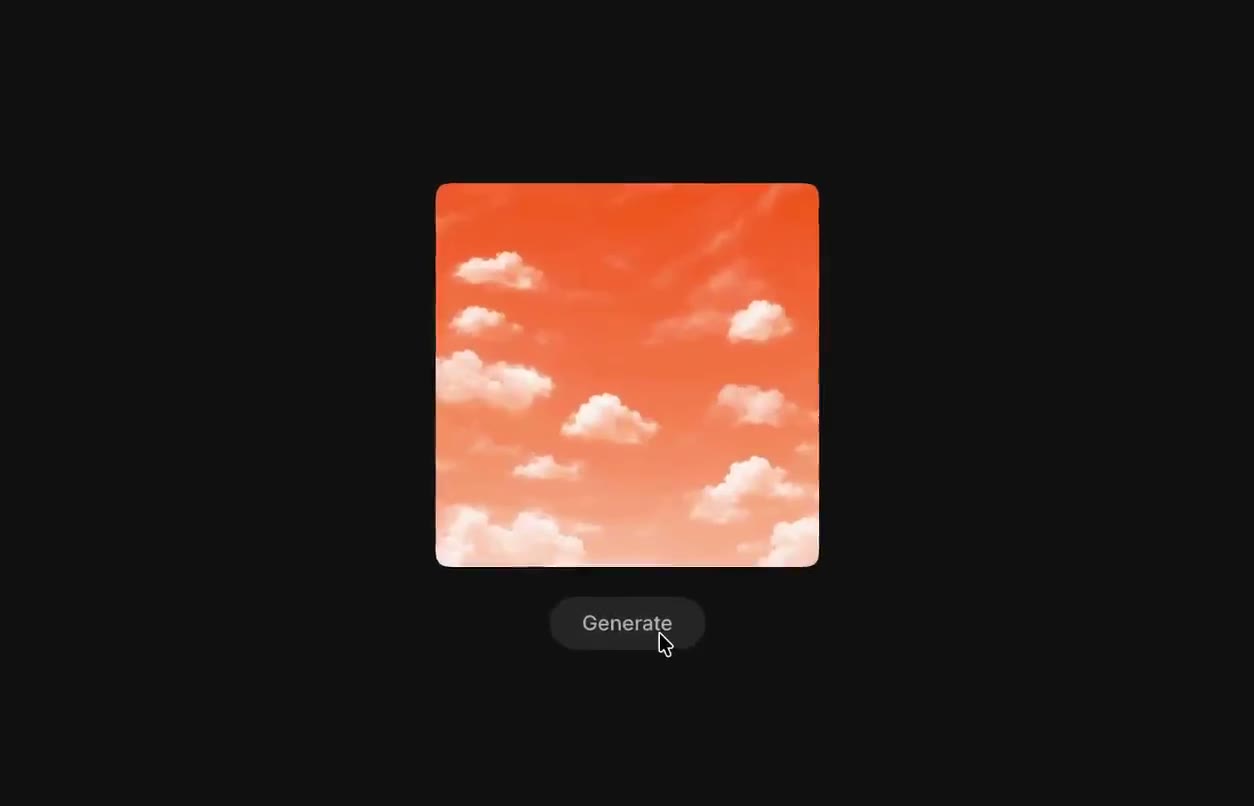
DESIGN SYSTEM: Center a 240px square preview on a near-black #101010 surface. Use a 7px corner radius, a dark gray grid of irregularly shaded square tiles, and a small bottom-left status pill. Place a compact rounded Generate button 16px below. Use neutral sans-serif text, 12px labels, white #ededed and muted #929292. Use a replaceable warm-toned image placeholder.
MOTION: On Generate, replace the previous image with a dark grid. Animate tile opacity between 0.25 and 0.8 over 600ms with randomized 40-120ms stagger, cubic-bezier(0.4,0,0.2,1). Advance the small status label from starting to creating while the button becomes disabled and reads Generating. On completion reveal the image through tiles over 650ms with 20ms stagger and cubic-bezier(0.22,1,0.36,1). These timings are implementation targets.
SECTIONS: Preview image; masked tile loading surface; status label; idle Generate and disabled Generating button. Restore the idle action after completion.
IMPLEMENTATION: Use React and Motion with an absolutely positioned CSS grid overlay. Animate opacity only; cap the overlay at 100 tiles and avoid per-frame React updates. Tie completion to a supplied async callback. Use a polite live status region, native disabled semantics and a visible keyboard focus ring. With prefers-reduced-motion show a static loading panel followed by the completed image.
ADAPT TO THE PROJECT: Reuse existing design tokens, components and fonts; map colors to the closest existing tokens. Never copy logos, brand names, photos or illustrations from the original; use placeholders.
SUCCESS CHECK:
- Triggering generation cannot submit twice.
- Loading remains readable and the final image fills the same square without layout shift.
- Keyboard and reduced-motion users receive the same completion state.