REFERENCE
- Gallery page: https://magpui.com/en/i/inline-expanding-drawing-toolbar-dd4388
- First frame (image): https://dnioievkvxejjbxgwvko.supabase.co/storage/v1/object/public/media/inline-expanding-drawing-toolbar-dd4388/shot.jpg
- Clip (mp4): https://dnioievkvxejjbxgwvko.supabase.co/storage/v1/object/public/media/inline-expanding-drawing-toolbar-dd4388/clip.mp4
- Original post: https://x.com/pmalay694/status/2115398805462122583 by @pmalay694
Before building, download the first frame and look at it. If ffmpeg is available, download the clip and extract frames (ffmpeg -i clip.mp4 -vf fps=2 frame-%02d.png), then study the motion frame by frame. Match what you see; the text below describes it, the frames are the truth.

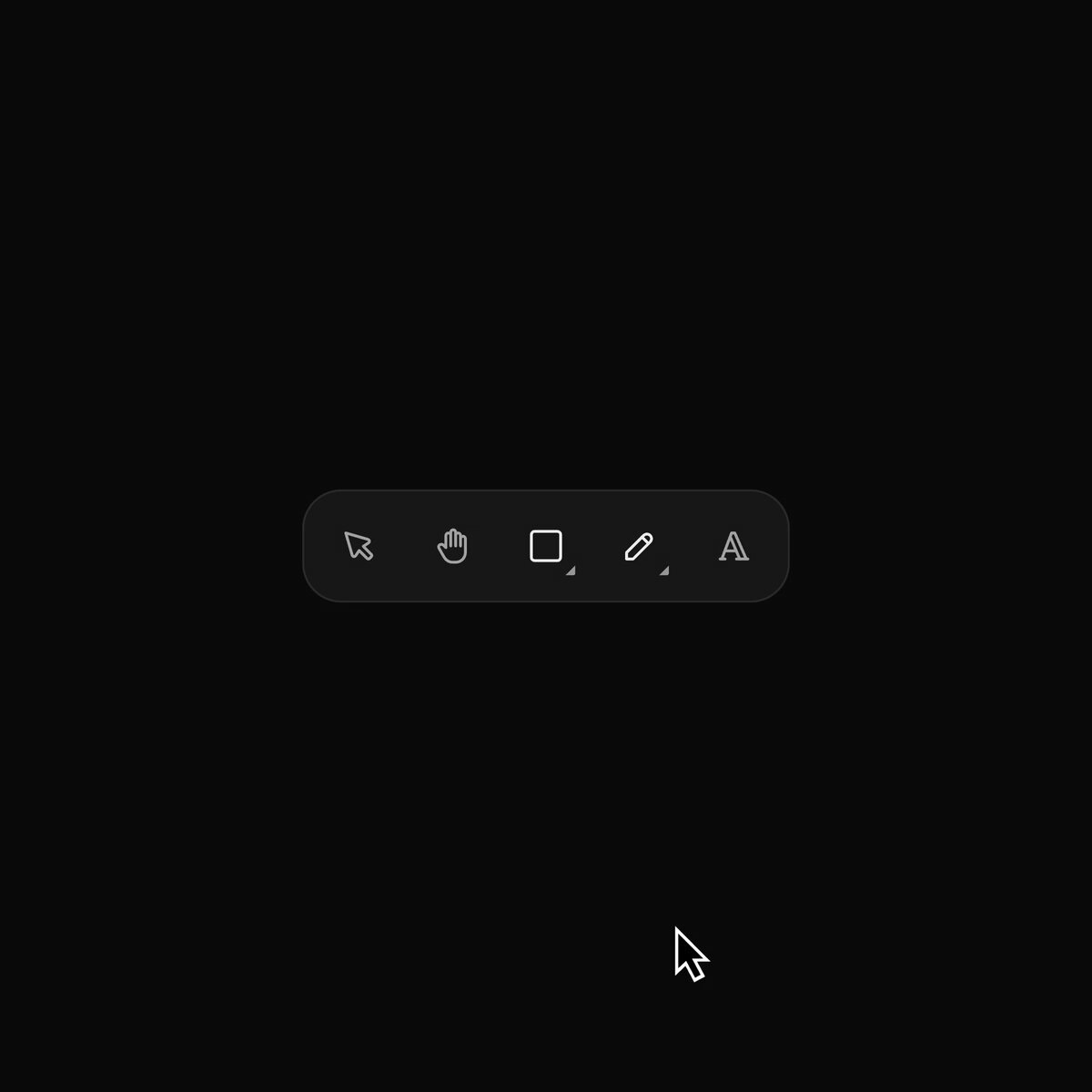
BUILD: Build a compact floating drawing toolbar whose shape and pen groups unfold inline, displacing neighboring tools rather than opening a separate menu. Keep selection clear with a vivid blue rounded tile.
DESIGN SYSTEM: Estimate a 44px-high charcoal #191919 capsule with 14px corners, 8px padding, 32px icon buttons and a subtle #292929 border. Use thin gray #a3a3a3 outline icons against #090909 surroundings and a #347bfa selected tile. Expanded width grows from about 190px to 350px. Use the existing sans-serif for accessible tooltips only.
MOTION: On group activation animate width and sibling positions over 280ms, cubic-bezier(0.22,1,0.36,1). Reveal nested icons with opacity and 6px horizontal translation over 180ms with 20ms stagger. Selecting a nested tool folds the group over 240ms and replaces its parent icon. Move the blue selection tile with shared-layout animation over 220ms. These timings are implementation targets.
SECTIONS: Idle pointer, hand, shape, pen and text buttons; expanded shapes with close, square, circle, triangle, star and arrow; expanded pen tools; selected square or triangle state; subtle hover surface and pressed feedback.
IMPLEMENTATION: Use React and Motion layout transitions with stable icon keys. Use real buttons, roving keyboard focus, arrow keys, Enter selection and Escape collapse; provide labels and visible focus rings. Reduced motion swaps states immediately. Avoid page-level animation and expensive filters.
ADAPT TO THE PROJECT: Reuse existing design tokens, components and fonts; map these colors to the closest tokens. Never copy logos, brand names, photos or illustrations; use placeholders where needed.
SUCCESS CHECK:
- Opening a family expands within the original bar without a popover.
- Selecting a nested tool collapses the bar and retains its icon.
- Keyboard navigation and reduced-motion mode work without layout clipping.