REFERENCE
- Gallery page: https://magpui.com/en/i/character-app-icon-animations-5dbc4c
- First frame (image): https://dnioievkvxejjbxgwvko.supabase.co/storage/v1/object/public/media/character-app-icon-animations-5dbc4c/shot.jpg
- Clip (mp4): https://dnioievkvxejjbxgwvko.supabase.co/storage/v1/object/public/media/character-app-icon-animations-5dbc4c/clip.mp4
- Original post: https://x.com/ktnr23/status/2096555179650789400 by @ktnr23
Before building, download the first frame and look at it. If ffmpeg is available, download the clip and extract frames (ffmpeg -i clip.mp4 -vf fps=2 frame-%02d.png), then study the motion frame by frame. Match what you see; the text below describes it, the frames are the truth.

BUILD
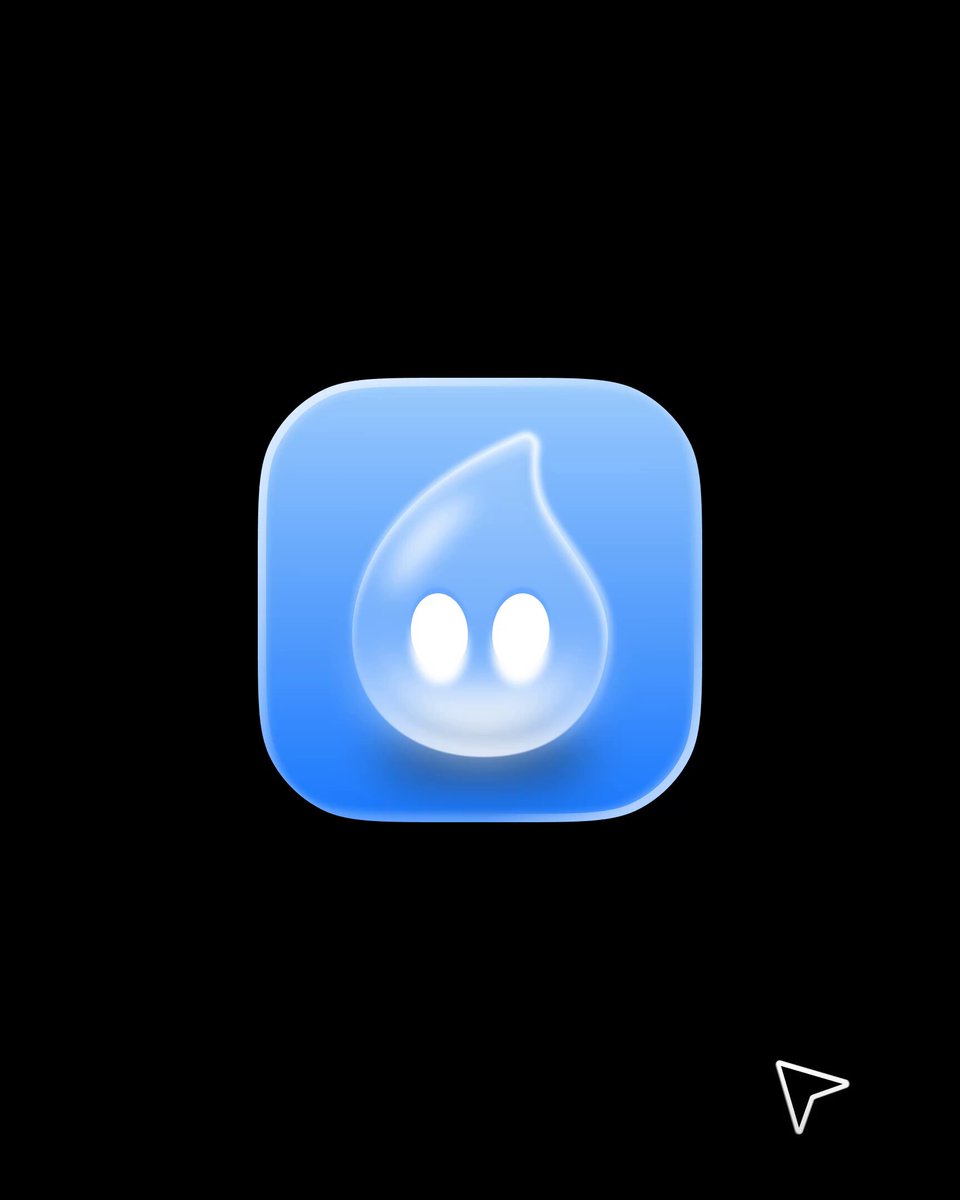
A glossy app icon (blue water drop character in a rounded square) with a short reveal: the icon scales in, the character opens its eyes, looks at the cursor and does a tiny bounce when tapped.

DESIGN SYSTEM
- Background #000; icon 128px, 28px radius, gradient #3B82F6 to #93C5FD with inner highlight.

MOTION
- Reveal: scale 0.6 to 1 with overshoot, 500ms, cubic-bezier(0.34, 1.56, 0.64, 1); eyes open after 200ms.
- Pointer: eyes follow up to 4px.
- Tap: squash 0.9 then bounce 1.06, 300ms.

SECTIONS
- Icon base.
- Character layer with eyes.

IMPLEMENTATION
- Figma Motion or Rive for the asset, exported as Lottie or Rive for the app; or SVG + Framer Motion on the web.
- prefers-reduced-motion: skip the animation and show the end state.

ADAPT TO THE PROJECT
- Reuse the project's existing tokens, components and fonts; map colors to the closest existing tokens.
- Do not copy logos, brand names, characters or artwork from the reference. Use neutral placeholders.

SUCCESS CHECK
- Reveal reads in under a second.
- Eyes never leave the face.
- Static icon looks good without animation.