REFERENCE
- Gallery page: https://magpui.com/en/i/changelog-becomes-a-spatial-runway-4753ab
- First frame (image): https://dnioievkvxejjbxgwvko.supabase.co/storage/v1/object/public/media/changelog-becomes-a-spatial-runway-4753ab/shot.jpg
- Clip (mp4): https://dnioievkvxejjbxgwvko.supabase.co/storage/v1/object/public/media/changelog-becomes-a-spatial-runway-4753ab/clip.mp4
- Original post: https://x.com/tobi/status/2115476533007802567 by @tobi
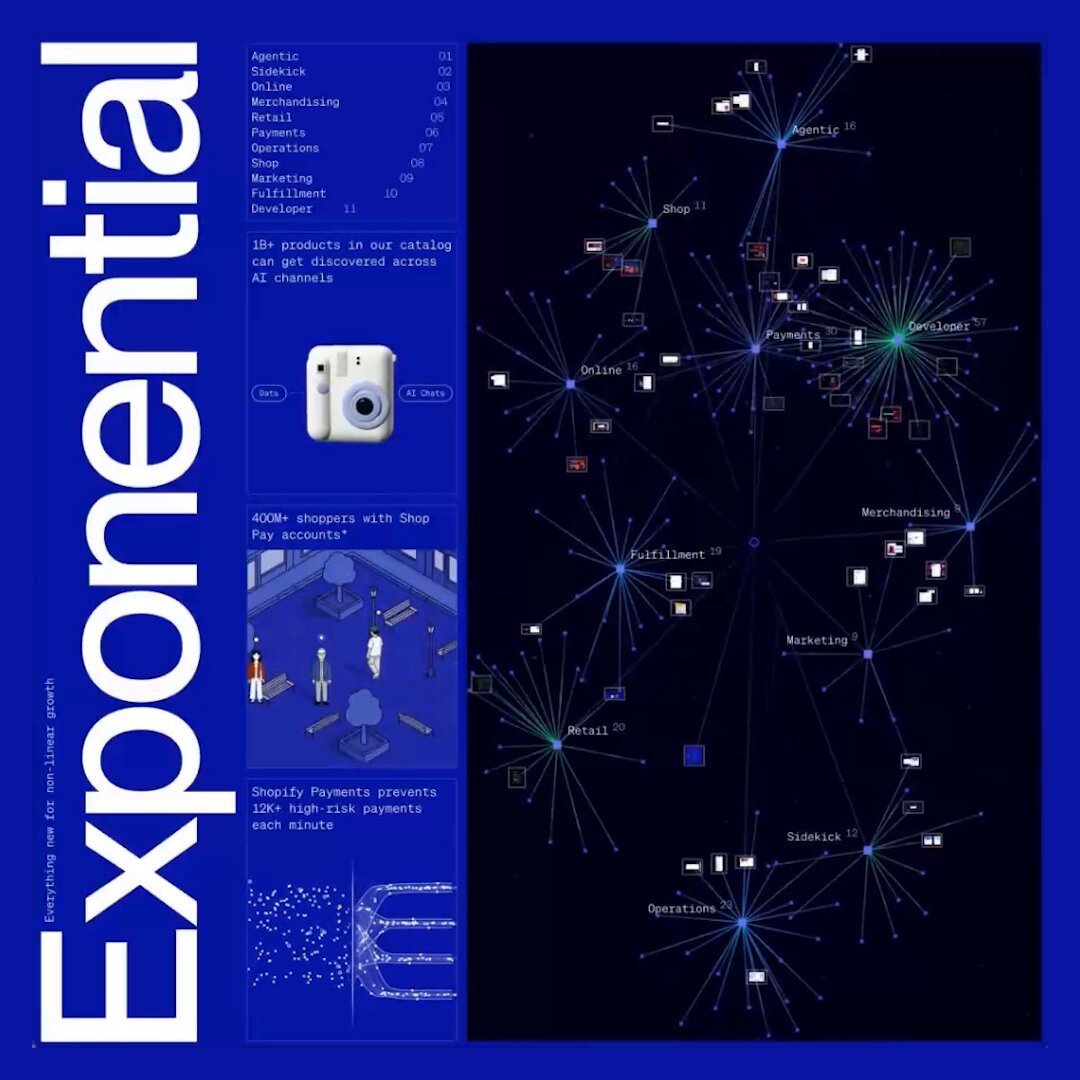
Before building, download the first frame and look at it. If ffmpeg is available, download the clip and extract frames (ffmpeg -i clip.mp4 -vf fps=2 frame-%02d.png), then study the motion frame by frame. Match what you see; the text below describes it, the frames are the truth.

BUILD: Create an optional immersive changelog explorer: a long ribbon of product updates recedes into a black 3D environment. Visitors travel along colored sections containing headings, text grids and floating interface previews. Keep the conventional readable changelog available.
DESIGN SYSTEM: Black #080909 surroundings, saturated blue #1815ad, violet #79059d, magenta #a50069, orange #af3003 and green #168331 chapter planes. White neutral sans serif headings around 48px and body 16px in the source layout, transformed by perspective. Use a centered wide content ribbon, two- and three-column update cards, generous 80px chapter spacing and floating white annotation labels along its edges. Fine pale wireframe paths arc through the dark margins.
MOTION: Wheel or forward/back controls move a perspective camera along the ribbon; interpolate camera position over roughly 500ms with cubic-bezier(0.22,1,0.36,1). Maintain a downward viewing angle and stable horizon. Section jumps travel over 900ms with cubic-bezier(0.65,0,0.35,1). These are proposed tuning values. No automatic flight or flashing transitions.
SECTIONS: Entry with large dimensional heading and scattered preview cards; successive colored chapters for product areas; each chapter includes a large heading, short feature descriptions and rectangular UI previews. Edge annotations and curved lines create depth without replacing readable navigation. Include enter, exploring, chapter-selected and exit states.
IMPLEMENTATION: Use Three.js camera and planar chapter geometry with DOM/CSS3D panels or carefully rasterized preview textures. Do not depend on experimental browser APIs for the default experience. Keep semantic HTML content as the accessible source and a persistent exit button. Arrow keys navigate chapters; Escape exits. Reduced motion or unsupported graphics defaults to the flat document. Cap pixel ratio at 1.5 and virtualize distant previews; pause rendering when idle.
ADAPT TO THE PROJECT: Reuse the project's existing design tokens, components and fonts. Map colors to the closest existing tokens. Never copy logos, brand names, photos or illustrations from the original; use placeholder UI previews and the project's own update copy.
SUCCESS CHECK:
- Colored chapters form one continuous perspective ribbon.
- Camera navigation remains controlled and can be exited with keyboard.
- The same updates remain readable without 3D or motion.