REFERENCE
- Gallery page: https://magpui.com/en/i/answer-mode-rotary-dial-2a7fe3
- First frame (image): https://dnioievkvxejjbxgwvko.supabase.co/storage/v1/object/public/media/answer-mode-rotary-dial-2a7fe3/shot.jpg
- Clip (mp4): https://dnioievkvxejjbxgwvko.supabase.co/storage/v1/object/public/media/answer-mode-rotary-dial-2a7fe3/clip.mp4
- Original post: https://x.com/HeyAnantJ/status/2111440842619490550 by @HeyAnantJ
Before building, download the first frame and look at it. If ffmpeg is available, download the clip and extract frames (ffmpeg -i clip.mp4 -vf fps=2 frame-%02d.png), then study the motion frame by frame. Match what you see; the text below describes it, the frames are the truth.

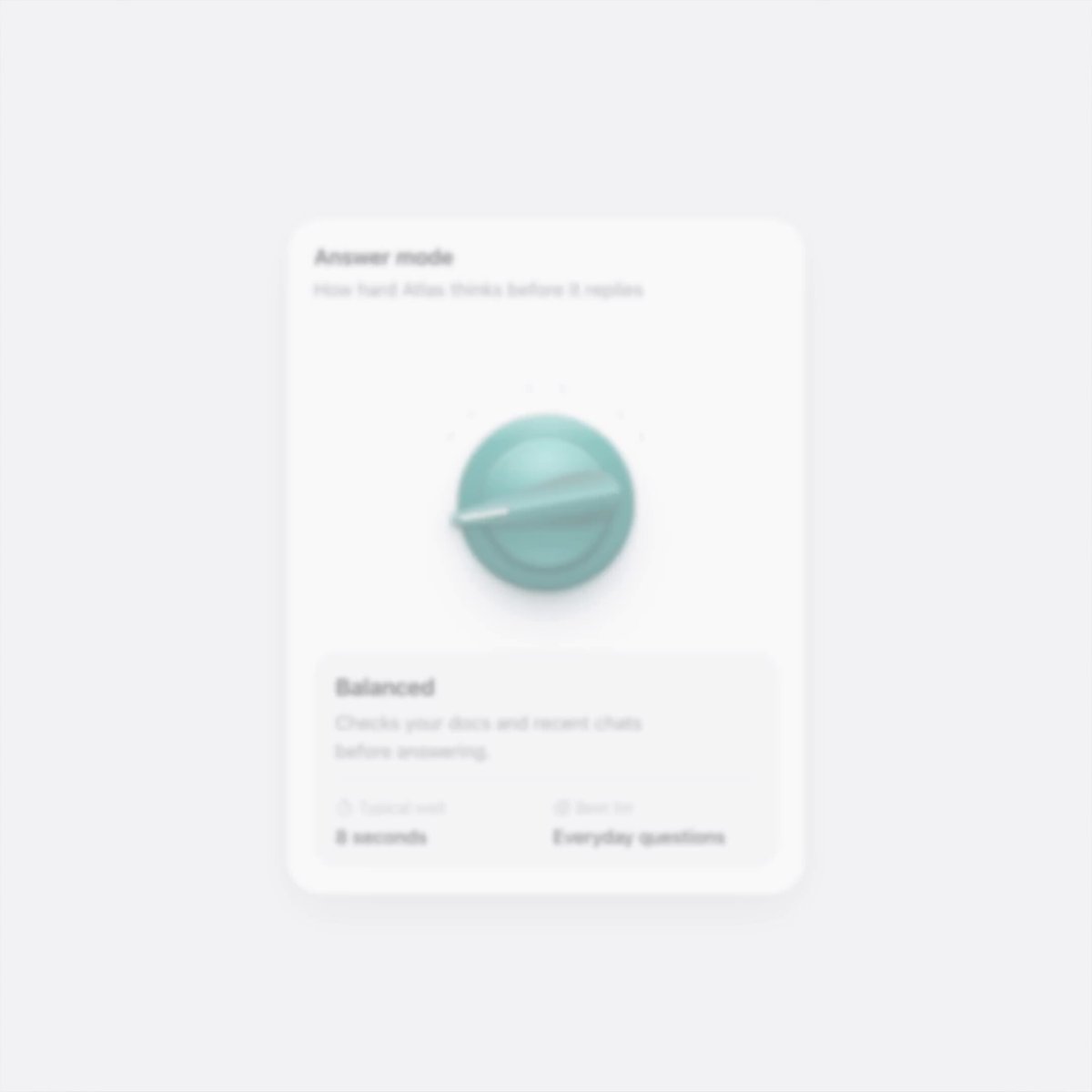
BUILD: Create an answer-mode selector consisting of a tactile green rotary dial and an explanation card. Four positions choose Quick, Balanced, Deep and Research. The dial should feel like a small physical control embedded in a clean white interface. Build only this component.
DESIGN SYSTEM: Use a roughly 300px-wide white card with 20px corners and 16px padding on #F3F3F5. Use a neutral sans-serif, 14px semibold headings and 12px gray secondary copy. Under a heading and short subtitle leave room for a centered 100px circular emerald dial. Draw its body using layered radial gradients from #64D0AE through #249C80 to #147762, with concentric inset shadows and a raised diagonal grip. Four small labels and tick marks arc around the upper half. The lower explanation surface is #F7F7F7 with 12px corners, a mode title, short description and two metadata columns for wait time and best use.
MOTION: Dragging the grip rotates it around its center; release snaps to the nearest of four stops across an approximately 140-degree sweep. Clicking a label also selects its mode. Use a 320ms transform transition with cubic-bezier(0.22,1,0.36,1); use 160ms opacity transitions for active labels and 180ms text crossfades. The green body stays fixed while the raised grip rotates. Estimated wait values are 2 seconds, 8 seconds, 40 seconds and 6 minutes. Timings and dimensions are rebuild targets rather than measured source values.
SECTIONS: Heading and helper line; four labeled dial stops; circular body and raised rotating grip; explanatory card. Quick is for simple facts, Balanced for everyday questions, Deep for tricky problems and Research for reports. Selected labels darken while others remain muted. Include idle, hover, dragging, focus and selected states.
IMPLEMENTATION: Use React state and Motion for rotation and keyed text transitions, CSS gradients for the physical dial. Track pointer angle relative to the dial center; handle pointer capture and clamp to the allowed arc. Provide a labeled slider with four values, arrow-key navigation, Home and End, aria-valuetext and visible focus. Keep an equivalent set of accessible label buttons. In prefers-reduced-motion switch rotation and copy without animation. Avoid WebGL or raster assets: this control can be drawn with CSS.
ADAPT TO THE PROJECT: Reuse the project's existing design tokens, components and fonts, mapping colors to the closest existing tokens. Never copy logos, brand names, photos or illustrations from the original; use placeholders.
SUCCESS CHECK:
- Dragging, labels and arrow keys select the same four modes.
- Mode name, estimated wait and best-use text stay synchronized.
- The raised grip rotates cleanly without moving the dial body, including under reduced motion.