REFERENCE
- Gallery page: https://magpui.com/en/i/transfer-sheet-melting-into-glow-3d3047
- First frame (image): https://dnioievkvxejjbxgwvko.supabase.co/storage/v1/object/public/media/transfer-sheet-melting-into-glow-3d3047/shot.jpg
- Clip (mp4): https://dnioievkvxejjbxgwvko.supabase.co/storage/v1/object/public/media/transfer-sheet-melting-into-glow-3d3047/clip.mp4
- Original post: https://x.com/gabriell_lab/status/2117982465415389633 by @gabriell_lab
Before building, download the first frame and look at it. If ffmpeg is available, download the clip and extract frames (ffmpeg -i clip.mp4 -vf fps=2 frame-%02d.png), then study the motion frame by frame. Match what you see; the text below describes it, the frames are the truth.

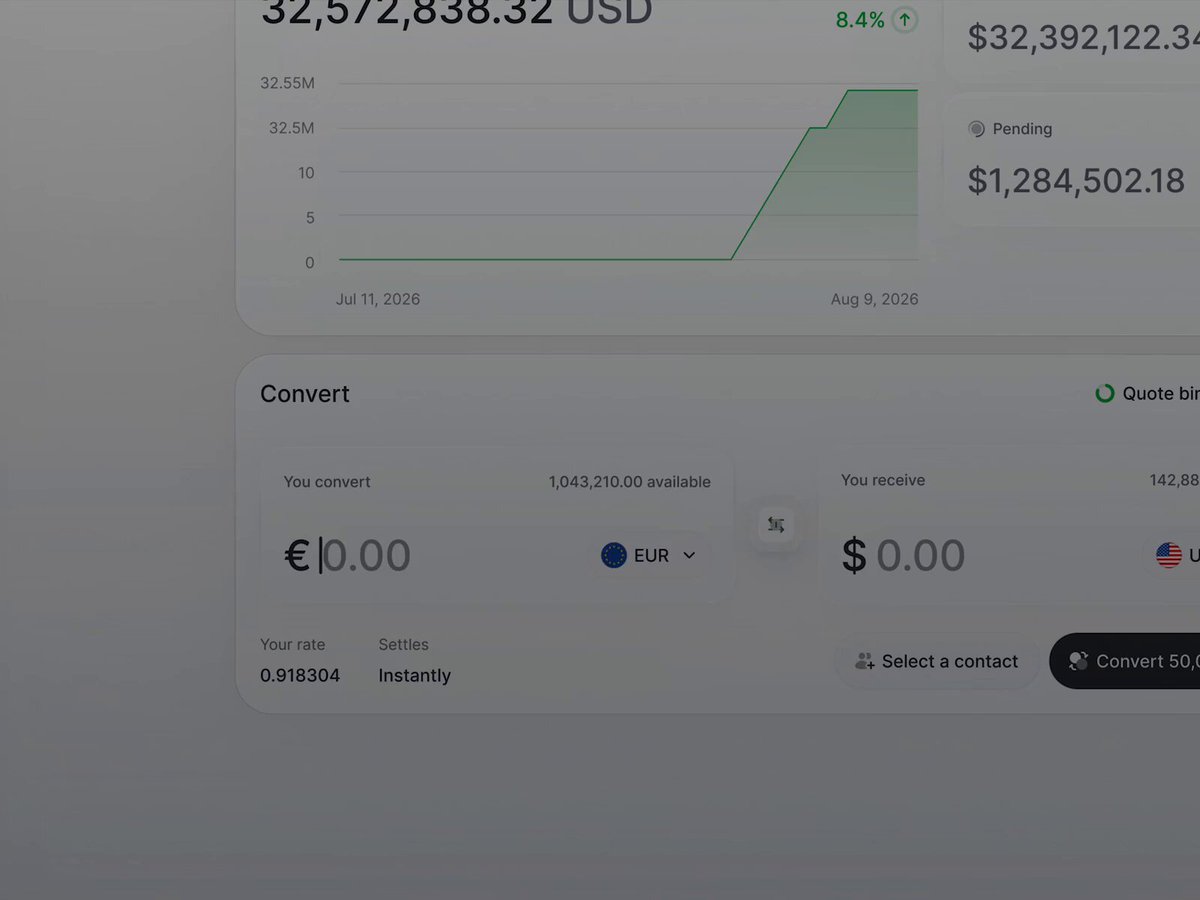
BUILD: A confirm-transfer modal for a finance app. The user reviews amount, from, to, exchange rate and recipient amount, presses "Confirm & Send", and the whole sheet melts: its content blurs out and a soft pink, violet and warm gold glow wells up from the bottom edge and breathes while status text cycles ("Transferring money...", "Verifying recipient..."). When done, the glow sinks away and the sheet sharpens back into a "Money sent" receipt with the amount turned green. It should feel calm, warm and reassuring.

DESIGN SYSTEM: Dimmed app behind (overlay #000000 at 45%). Modal 420 px wide, radius 20 px, background #FFFFFF, shadow 0 24px 60px rgba(0,0,0,0.25), padding 20 px. Header: title 15 px semibold #111111, subtitle 12 px #6B6B6B, round close button 28 px #F2F2F2 at top right. Inner details card #F6F6F6, radius 14 px, padding 16 px: label "Transfer amount" 11 px #8A8A8A, amount 26 px semibold #111111 with a 20 px flag on the right; rows of label/value 12 px with 1 px #E8E8E8 dividers. Footer: two buttons 40 px tall, radius 12 px: "Cancel" #F2F2F2 with #111111 text, "Confirm & Send" #111111 with white text. Glow palette: #FF7AD9, #C86BFF, #FFC46B, #FFE3F4. Success amount #22A45D.

MOTION: Confirm press: button scales to 0.97 in 90 ms, then the details card and footer blur 0 to 14 px and fade to 30% opacity over 420 ms cubic-bezier(0.4, 0, 0.2, 1). Glow rise: a blurred blob layer (3 radial gradients, blur 40 px) translates from 60% below the modal bottom to covering the lower 55% over 700 ms cubic-bezier(0.22, 1, 0.36, 1); while loading the blobs drift on slow independent loops (4-6 s, ease-in-out) and the hue shifts between pink and gold. Status text: centered spinner 12 px plus 12 px #555555 text, each label crossfades with 6 px vertical slide in 240 ms, changed every 1200 ms. Success: glow translates down and fades over 500 ms, content cross-fades to the receipt with blur 14 to 0 px in 450 ms; the green amount counts from 0 to the value in 600 ms; title swaps to "Money sent"; footer becomes one full-width "Done" button.

SECTIONS: Parts: overlay, modal shell, header, details card, footer buttons, glow layer, status line. States: review (idle), pressed, transferring (blurred plus glow plus cycling status), verifying, done (receipt), error (glow turns #FF8A8A and a Retry button appears).

IMPLEMENTATION: React with Motion for the state machine and layout transitions; the glow is pure CSS (absolutely positioned blurred radial-gradient divs with mix-blend-mode screen, clipped by the modal overflow hidden and its radius). Animate transform, opacity and filter only; keep blur layers few to stay at 60 fps. prefers-reduced-motion: no blob drift or rise, just a static soft gradient band and instant crossfades. Focus is trapped in the modal, Escape closes in review state only, status text is in an aria-live polite region, the Done button gets focus on success.

ADAPT TO THE PROJECT: Reuse the project's existing design tokens, components and fonts; map colors to the closest existing tokens. Never copy logos, brand names, photos or illustrations from the original; use placeholder names, accounts and amounts.

SUCCESS CHECK:
- Pressing Confirm blurs the details and a pink-violet-gold glow rises from the bottom while the status text cycles.
- On completion the glow sinks away and the sheet sharpens into a receipt with a green amount and a Done button.
- The animation stays smooth at 60 fps and reduced motion shows a static gradient with simple fades.