REFERENCE
- Gallery page: https://magpui.com/en/i/radial-app-launcher-60f9d8
- First frame (image): https://dnioievkvxejjbxgwvko.supabase.co/storage/v1/object/public/media/radial-app-launcher-60f9d8/shot.jpg
- Clip (mp4): https://dnioievkvxejjbxgwvko.supabase.co/storage/v1/object/public/media/radial-app-launcher-60f9d8/clip.mp4
- Original post: https://x.com/nitishkmrk/status/2110936271078281321 by @nitishkmrk
Before building, download the first frame and look at it. If ffmpeg is available, download the clip and extract frames (ffmpeg -i clip.mp4 -vf fps=2 frame-%02d.png), then study the motion frame by frame. Match what you see; the text below describes it, the frames are the truth.

BUILD
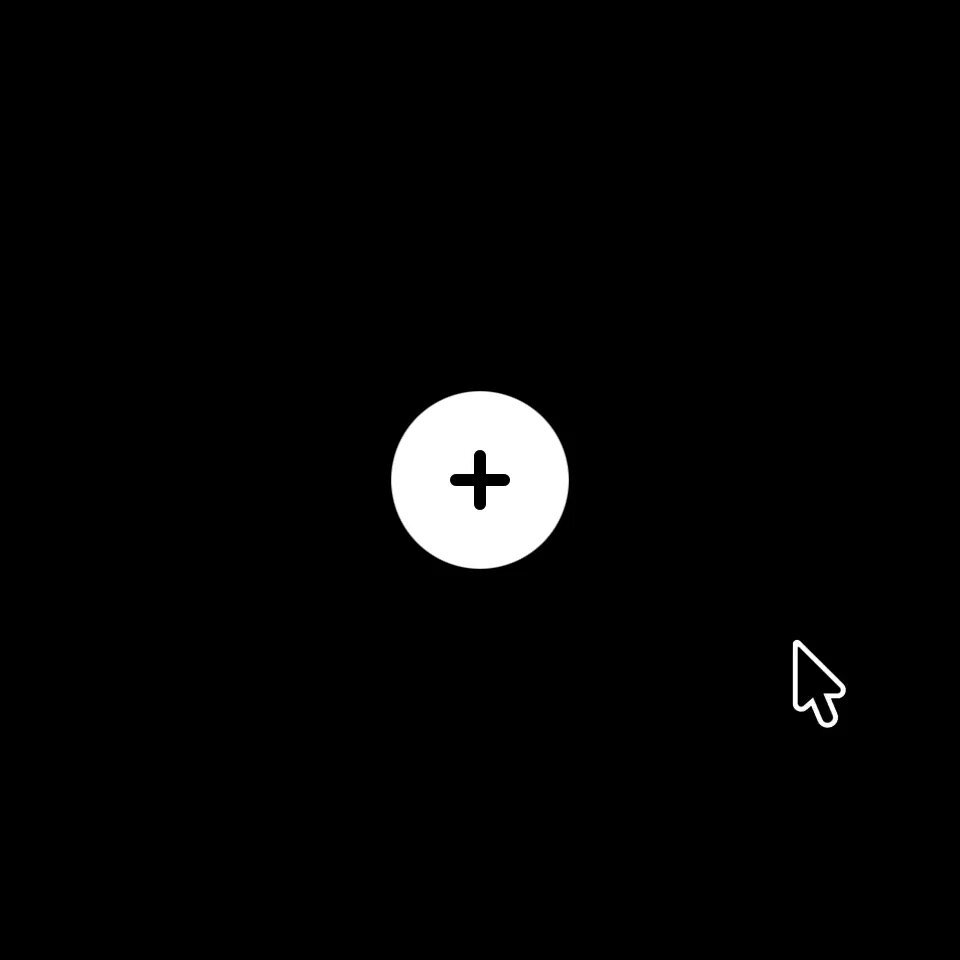
A floating round button with a plus. Click it and six circular app icons (mail, photos, alerts, chat, calendar, edit) fly out into a ring around it, one after another, with a springy overshoot; the plus rotates into an X. Clicking again pulls them back in reverse with a blur.

DESIGN SYSTEM
- Black background; main button 56px white with a black plus.
- Icons 52px circles with flat colors (#1A73E8, #12A4B5, #E53935, #16A34A, #E11D48, #CA8A04) and white glyphs.
- Ring radius 80px.

MOTION
- Open: each icon goes from the center (scale 0.3, opacity 0) to its ring position with a spring (stiffness 400, damping 18), stagger 45ms clockwise; plus rotates 45deg in 250ms.
- Close: reverse order, 30ms stagger, icons blur 6px and scale to 0.5 as they return.
- Hover on an icon: scale 1.1.

SECTIONS
- Trigger button, ring of 6 icon buttons with labels for screen readers.
- States: closed, opening, open, closing.

IMPLEMENTATION
- Motion (Framer Motion) with variants and staggerChildren; positions from cos/sin of the angle.
- Use a menu button pattern: aria-expanded, Esc closes, focus moves into the ring.
- prefers-reduced-motion: swap the motion for a 150ms opacity change.
- Keyboard: every control focusable with a visible focus ring; same actions with Enter/Space and arrow keys where it makes sense.
- Animate only transform, opacity and filter.

ADAPT TO THE PROJECT
Reuse the project's existing design tokens, components and fonts; map colors to the closest existing tokens. Never copy logos, brand names, photos or illustrations from the original: use placeholders.

SUCCESS CHECK
- Icons arrive one by one with a visible bounce.
- Esc or a second click closes it in reverse.
- Focus returns to the button after closing.