Run these commands once in Claude Code. The skill gives the agent know-how for this kind of piece. With other agents, follow the instructions on the skill page.
npx skills add https://github.com/cloudai-x/threejs-skills --skill threejs-animation
Code cannot draw these well. Generate them with any image generator (hover the button to see a few), or with your agent's image tool if it has one, and save them in the project.
REFERENCE
- Gallery page: https://magpui.com/en/i/portrait-slices-become-a-photo-grid-29f533
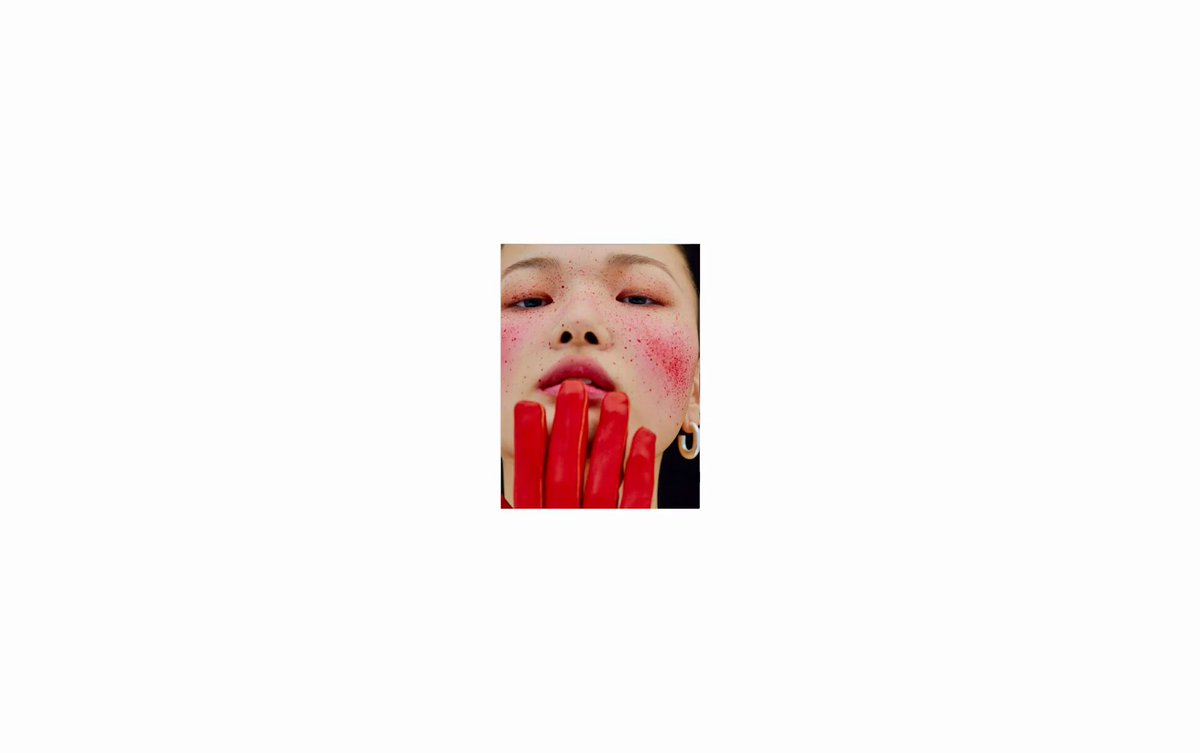
- First frame (image): https://dnioievkvxejjbxgwvko.supabase.co/storage/v1/object/public/media/portrait-slices-become-a-photo-grid-29f533/shot.jpg
- Clip (mp4): https://dnioievkvxejjbxgwvko.supabase.co/storage/v1/object/public/media/portrait-slices-become-a-photo-grid-29f533/clip.mp4
- Original post: https://x.com/CorentinBerndu/status/2051716784617635924 by @CorentinBerndu
Before building, download the first frame and look at it. If ffmpeg is available, download the clip and extract frames (ffmpeg -i clip.mp4 -vf fps=2 frame-%02d.png), then study the motion frame by frame. Match what you see; the text below describes it, the frames are the truth.

ASSETS
This needs real artwork, not shapes drawn in code. Use the files the user gives you (ask where they are). If you have an image generation tool, generate them with these prompts; otherwise leave clearly marked placeholders.
- Original portrait placeholders: Create an original editorial studio portrait photograph of an adult model, shoulders and head, neutral expression, soft side lighting, muted gray clothing, near-white or plain gray background, understated analog texture, vertical 3:4 aspect ratio. No lettering, logos or resemblance to a specific person. Produce several separate variations with different adult subjects for a photographic thumbnail gallery, not a collage.

BUILD: Build a standalone photographic motion study on a black stage. A large portrait is segmented into narrow vertical strips; the strips bend and separate into columns of small photographs, spreading into a dense rectangular image grid before gathering again. Keep the effect sharp, geometric and image-led, with no navigation, headings or decorative UI.

DESIGN SYSTEM: Use a responsive landscape canvas, approximately 2.4:1, with background #000000. Center the image formation with generous black margins. Target a roughly 16-column by 12-row final grid with 2-4px black gutters at a 1200px stage width; scale cell sizes proportionally. The expanded portrait should occupy about 40% of the stage width and 80% of its height. Use square-edged image planes, no borders, radii or shadows. Photographs bring muted skin tones, cool gray clothing and near-white highlights; do not tint the whole scene. No visible typography is needed.

MOTION: On entering the viewport, start an approximately 10000ms looping timeline. Use these as reconstruction timings rather than measured source timings: hold the tall portrait configuration for 900ms; over 2100ms split it into narrow strips, offset their vertical positions and introduce a shallow curved fan using cubic-bezier(0.65,0,0.35,1), with 45ms column stagger. Over 2200ms resolve strips into stacks of separate photo tiles, spreading columns sideways while individual cells shrink to their grid size; use cubic-bezier(0.22,1,0.36,1) and 18ms cell stagger. Hold the broad grid for 1100ms, then gather the tiles over 2700ms into a compact image formation, with a final 1000ms pause or seamless continuation. Animate position and scale, not a blur or particle dissolve. Keep images legible as rectangles throughout.

SECTIONS: One image stage only. Its visual states are a dominant sliced portrait, offset tall columns with staggered edges, an expanded thumbnail field, and a compact regrouped formation. Loading should reserve the canvas dimensions and show a still placeholder, not a layout jump. Any playback control belongs outside the image stage and should follow existing project conventions.

IMPLEMENTATION: Use Three.js textured planes with an orthographic camera and a GSAP timeline driving a shared progress value. Store each tile's strip and grid coordinates and interpolate between configurations; use an atlas and instancing to limit draw calls. In the portrait state, sample aligned UV regions from one placeholder portrait; in the grid state, display a set of original placeholder photographs. Do not stretch faces during aspect-ratio changes: crop using cover-style UVs. Cap device pixel ratio at 2 and the scene at about 200 tiles, and pause rendering offscreen or when the tab is hidden. No costly postprocessing is needed. For prefers-reduced-motion, show the static final grid and disable autoplay. If a play/pause button is included, make it a native keyboard-operable button with a visible 2px focus ring and an accessible label; the canvas itself must not trap focus. Provide a concise accessible description of the photographic transformation and a static image fallback for missing WebGL.

ADAPT TO THE PROJECT: Reuse the project's existing design tokens, components and fonts, map colors to the closest existing tokens, and never copy logos, brand names, photos or illustrations from the original; use placeholders. Keep this as a reusable gallery component, not a new full page.

SUCCESS CHECK:
- The same stage clearly transitions from a large sliced portrait through offset photo columns to a tight thumbnail grid without white flashes or layout shifts.
- Rectangular image edges and black gutters stay crisp, while staggered transforms create the rhythm without blur or particle effects.
- Reduced-motion and unavailable-WebGL modes show a useful static composition, and playback pauses offscreen.
Create an original editorial studio portrait photograph of an adult model, shoulders and head, neutral expression, soft side lighting, muted gray clothing, near-white or plain gray background, understated analog texture, vertical 3:4 aspect ratio. No lettering, logos or resemblance to a specific person. Produce several separate variations with different adult subjects for a photographic thumbnail gallery, not a collage.
Hit Copy prompt above, open your project in the agent and paste it. The prompt links the original frames, so the agent can look at them before building.
Put the two side by side. If something is off, tell the agent exactly what: timing, size, color or spacing.