Hit Copy prompt above, open your project in the agent and paste it. The prompt links the original frames, so the agent can look at them before building.
Put the two side by side. If something is off, tell the agent exactly what: timing, size, color or spacing.
REFERENCE
- Gallery page: https://magpui.com/en/i/isometric-pixel-basketball-court-656d22
- First frame (image): https://dnioievkvxejjbxgwvko.supabase.co/storage/v1/object/public/media/isometric-pixel-basketball-court-656d22/shot.jpg
- Clip (mp4): https://dnioievkvxejjbxgwvko.supabase.co/storage/v1/object/public/media/isometric-pixel-basketball-court-656d22/clip.mp4
- Original post: https://x.com/zzzzshawn/status/2111546123546661289 by @zzzzshawn
Before building, download the first frame and look at it. If ffmpeg is available, download the clip and extract frames (ffmpeg -i clip.mp4 -vf fps=2 frame-%02d.png), then study the motion frame by frame. Match what you see; the text below describes it, the frames are the truth.

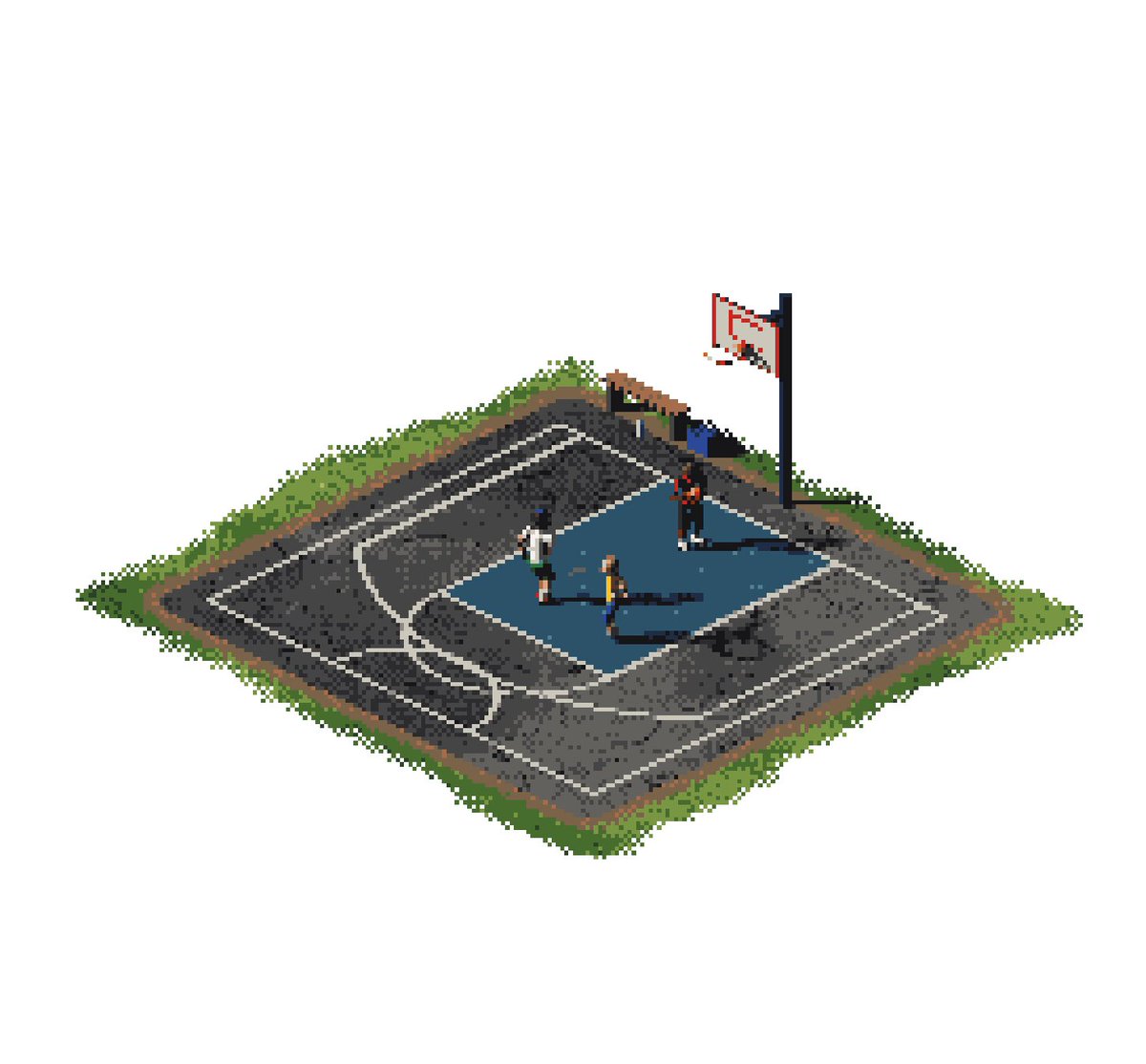
Isometric pixel art scene, 1:1, of a small outdoor street basketball court seen from above at a 2:1 isometric angle. Three tiny players mid-play, one jumping for a shot, chain-link fence, a bench, two trees, painted court lines. Limited palette of about 16 colors: warm court orange, teal, cream, dark navy outlines. Crisp single-pixel edges, no anti-aliasing, soft dithered shadows. Cozy late-afternoon light. Designed to loop as a sprite animation.
