REFERENCE
- Gallery page: https://magpui.com/en/i/glossy-loader-becomes-a-window-740270
- First frame (image): https://dnioievkvxejjbxgwvko.supabase.co/storage/v1/object/public/media/glossy-loader-becomes-a-window-740270/shot.jpg
- Clip (mp4): https://dnioievkvxejjbxgwvko.supabase.co/storage/v1/object/public/media/glossy-loader-becomes-a-window-740270/clip.mp4
- Original post: https://x.com/davidhaz/status/2114310744183578783 by @davidhaz
Before building, download the first frame and look at it. If ffmpeg is available, download the clip and extract frames (ffmpeg -i clip.mp4 -vf fps=2 frame-%02d.png), then study the motion frame by frame. Match what you see; the text below describes it, the frames are the truth.

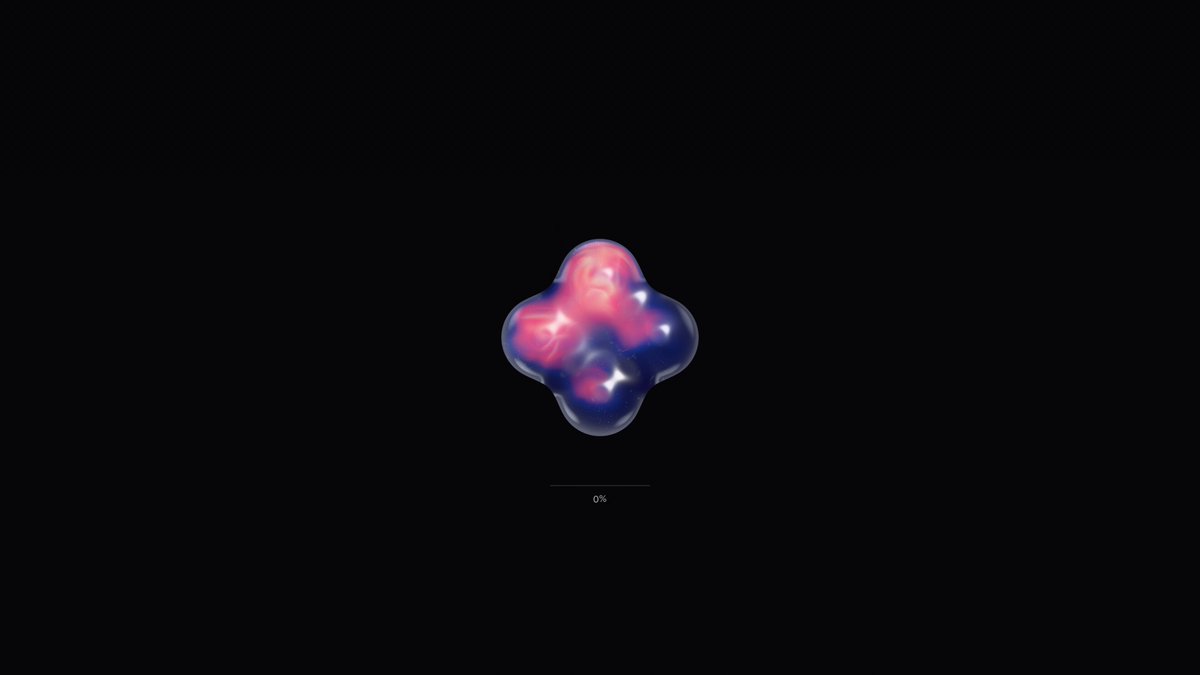
BUILD: Build an introductory loader that becomes a shaped window onto existing page content, not a complete landing page. A small glossy four-lobed shape floats on black before its silhouette reveals the page and expands away.
DESIGN SYSTEM: Full-viewport #080808 overlay; centered approximately 80px four-lobed silhouette with pink #df57a8 and violet #383176 glossy shading. Keep underlying page unchanged. Use an original SVG silhouette and a gradient placeholder rather than copied artwork.
MOTION: On entry, gently rotate and distort the shape over an estimated 1400ms loop. On content readiness, crossfade its glossy surface into a masked view of underlying content over 300ms; scale the reveal mask to cover the viewport over 900ms, cubic-bezier(0.76,0,0.24,1). These timings are reconstruction targets, not measured values.
SECTIONS: Loading overlay, glossy symbol, masked reveal, completed state with overlay removed. Never impose an artificial loading delay.
IMPLEMENTATION: GSAP timelines coordinate SVG mask scaling and overlay removal. Keep content mounted underneath; animate transforms rather than layout. Reduced motion removes the overlay with a short fade. Do not trap keyboard focus or hide ready content from assistive technology. Limit rendering to one overlay and one mask.
ADAPT TO THE PROJECT: Reuse existing tokens, components and fonts; map colors to nearby project tokens. Never copy source logos, names, photos or illustrations; use placeholders.
SUCCESS CHECK:
- All states transition without layout jumps.
- Keyboard operation and reduced motion work.
- Animation stays smooth on mobile.