REFERENCE
- Gallery page: https://magpui.com/en/i/exploded-mechanical-switch-explorer-8290cf
- First frame (image): https://dnioievkvxejjbxgwvko.supabase.co/storage/v1/object/public/media/exploded-mechanical-switch-explorer-8290cf/shot.jpg
- Clip (mp4): https://dnioievkvxejjbxgwvko.supabase.co/storage/v1/object/public/media/exploded-mechanical-switch-explorer-8290cf/clip.mp4
- Original post: https://x.com/wheresryan22/status/2114881666023846116 by @wheresryan22
Before building, download the first frame and look at it. If ffmpeg is available, download the clip and extract frames (ffmpeg -i clip.mp4 -vf fps=2 frame-%02d.png), then study the motion frame by frame. Match what you see; the text below describes it, the frames are the truth.

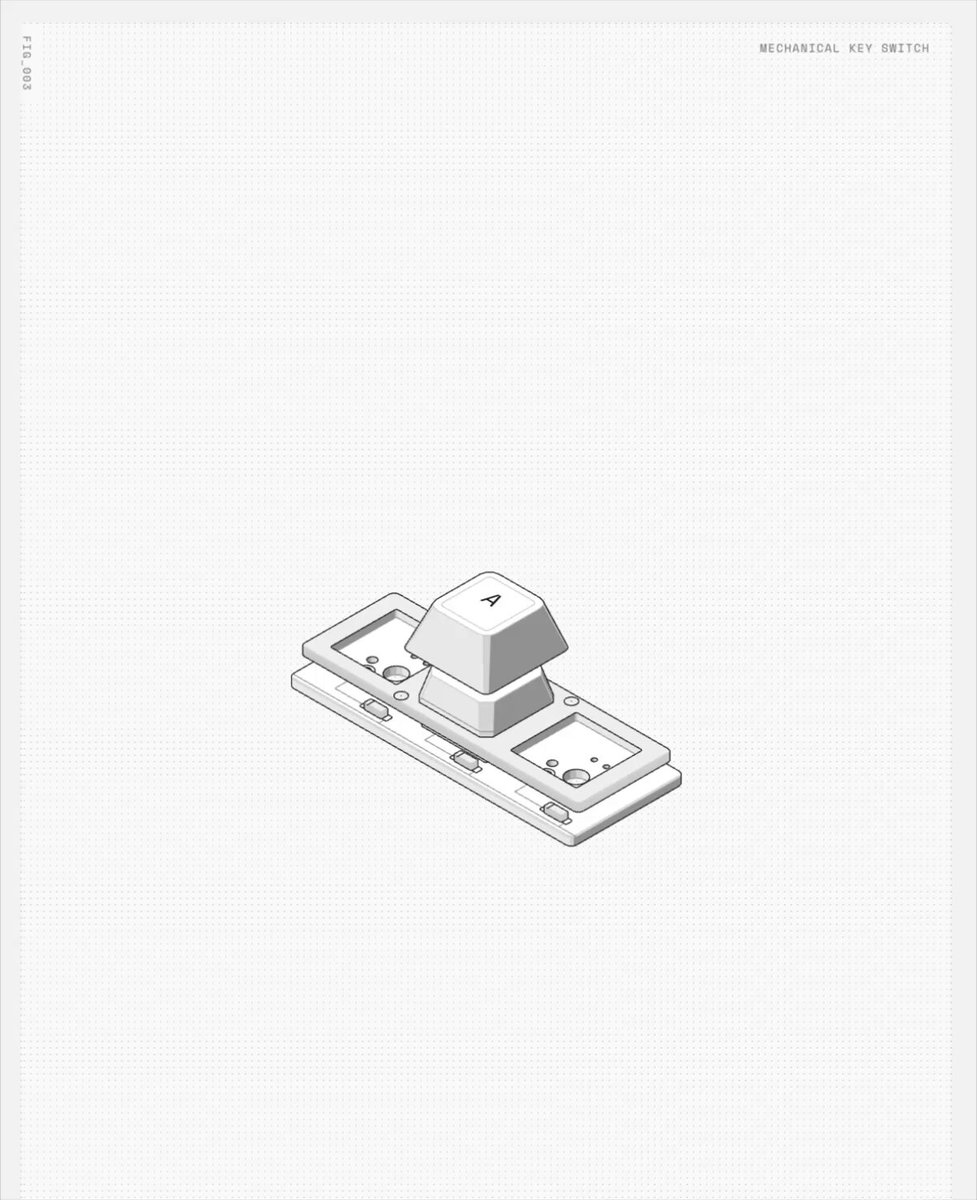
BUILD: Build an interactive exploded-view mechanical keyboard switch diagram with individually inspectable parts and a technical drawing feel. DESIGN SYSTEM: Use a warm white #f6f7f3 canvas, thin gray #a3a7a4 outlines, pale #e1e4df solid faces and charcoal #343936 text. Center an isometric stack of keycap, upper housing, stem, spring, contacts, lower housing and circuit board. Use fine leader lines and 10px monospaced labels; selected-part notes use 12px mono text in a compact block below the enlarged drawing. Leave generous whitespace. MOTION: Proposed timings: on part selection, isolate and enlarge it over 650ms with cubic-bezier(0.22,1,0.36,1); fade labels over 200ms with cubic-bezier(0.2,0,0,1). On reset restore the stack over 650ms. Drag rotates the selected part directly without easing; keep labels readable. SECTIONS: Overview with vertically separated parts; hover label with dark inverted highlight; selected contact-leaf inspection; selected circuit-board inspection; technical description and small specification row; reset control. IMPLEMENTATION: Use Three.js with an orthographic camera and simple procedural meshes, HTML labels projected from world positions and raycast selection. Cap pixel ratio at 2, stop rendering when idle, and use pointer capture for dragging. Provide keyboard-accessible part buttons, visible focus and a reset button. Reduced motion switches views instantly and disables inertial rotation. ADAPT TO THE PROJECT: Reuse existing design tokens, components and fonts, map colors to nearest tokens, and never copy source logos, names, photos or illustrations; use generic geometry and placeholder specifications. SUCCESS CHECK:
- Each part can be selected by mouse and keyboard.
- Inspection and overview remain aligned at mobile widths.
- Labels never obscure the selected object.