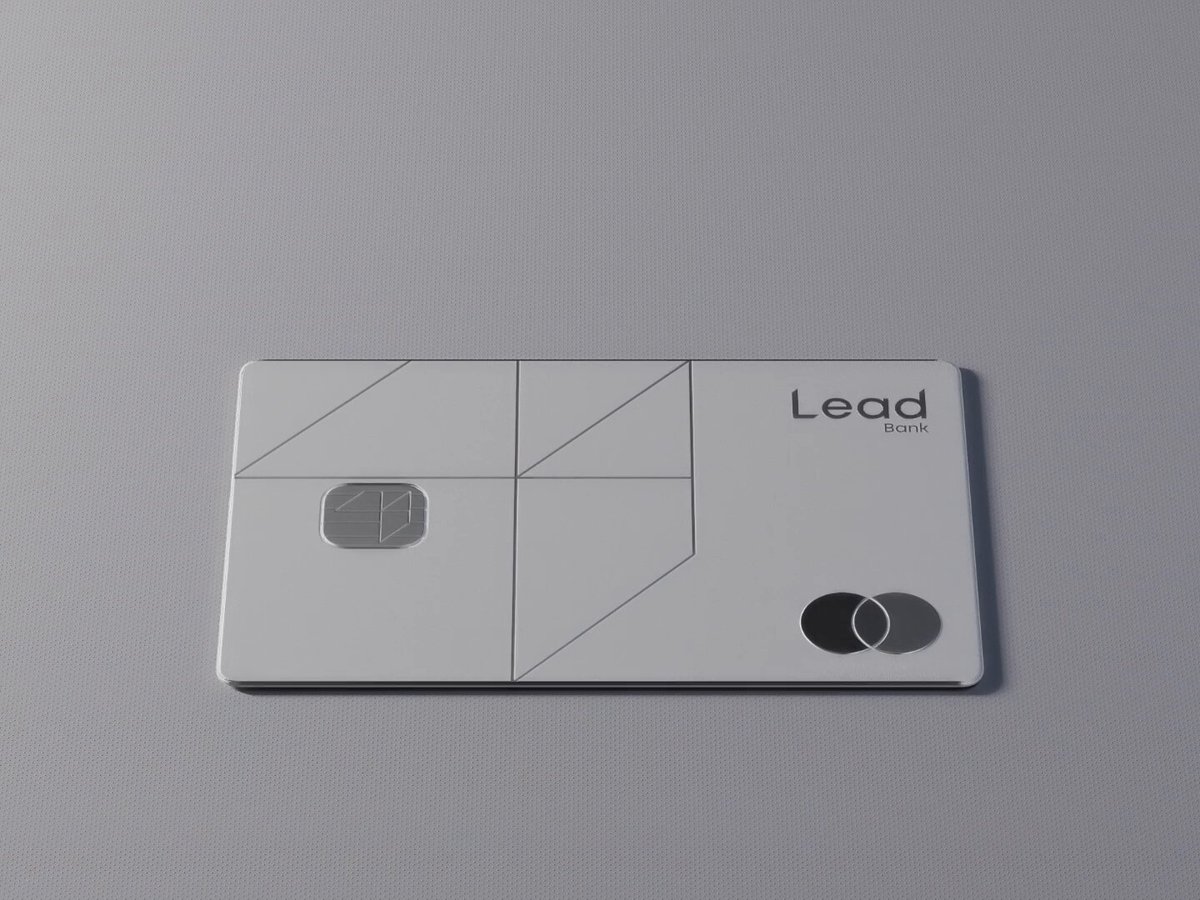
Put the two side by side. If something is off, tell the agent exactly what: timing, size, color or spacing.
REFERENCE
- Gallery page: https://magpui.com/en/i/bank-card-exploded-into-prismatic-layers-7c1df4
- First frame (image): https://dnioievkvxejjbxgwvko.supabase.co/storage/v1/object/public/media/bank-card-exploded-into-prismatic-layers-7c1df4/shot.jpg
- Clip (mp4): https://dnioievkvxejjbxgwvko.supabase.co/storage/v1/object/public/media/bank-card-exploded-into-prismatic-layers-7c1df4/clip.mp4
- Original post: https://x.com/glebich/status/2100831842253570148 by @glebich
Before building, download the first frame and look at it. If ffmpeg is available, download the clip and extract frames (ffmpeg -i clip.mp4 -vf fps=2 frame-%02d.png), then study the motion frame by frame. Match what you see; the text below describes it, the frames are the truth.

3D product render, 16:9. A premium silver payment card lying on a soft grey surface, separated into an exploded vertical stack of thin translucent layers, each with iridescent prismatic edges, a glowing gold chip and faint circuit traces visible between layers. Clean line pattern engraved on the top layer, generic card branding. Soft studio light, shallow depth of field, luxurious and technical. For animation: layers slowly lift apart and settle back, seamless loop.